Moving to Kasymir, one step at a time.
Coming from another register or an online store? Here is what moves, what you set up fresh, and the order that keeps your store selling while you switch.
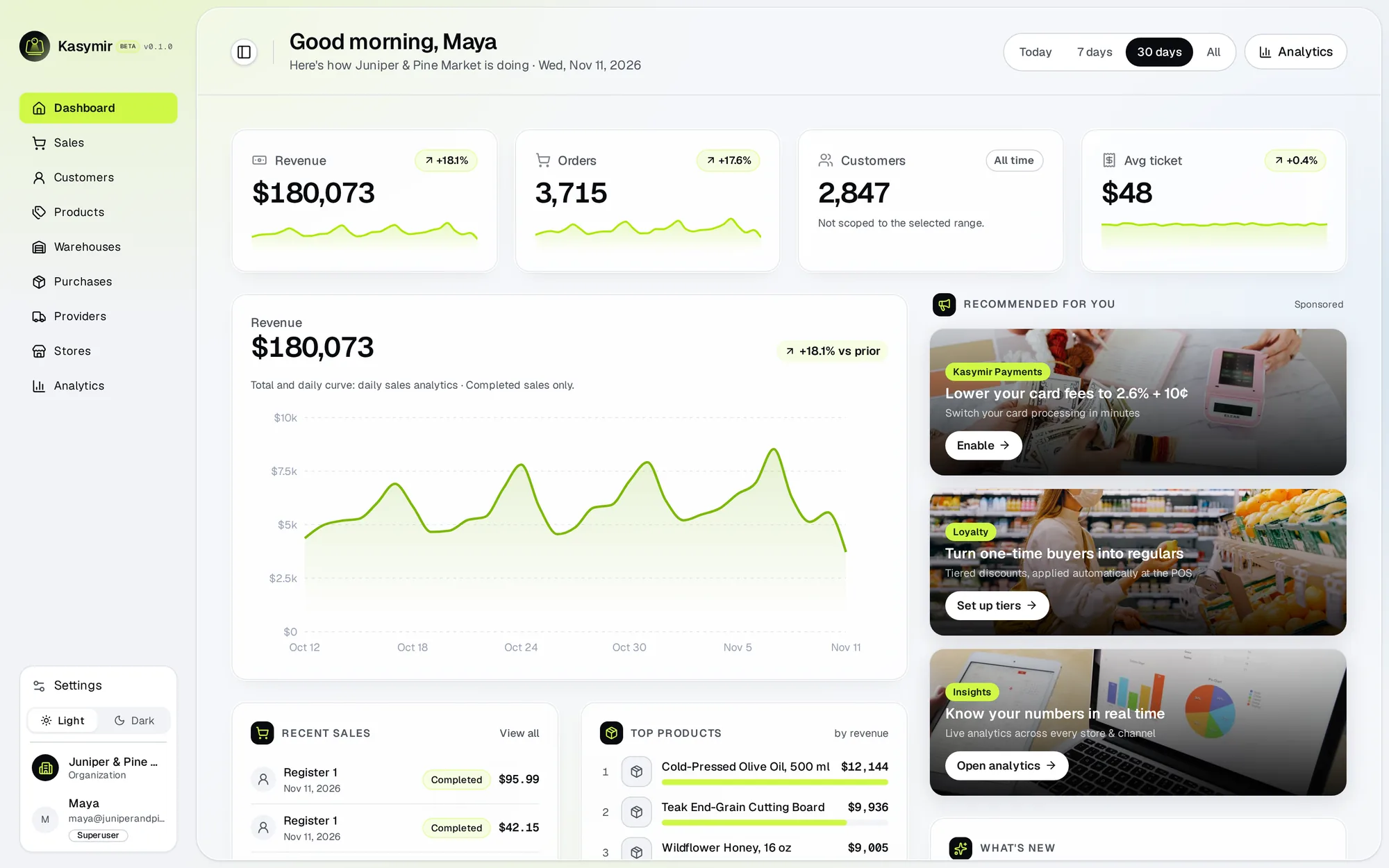
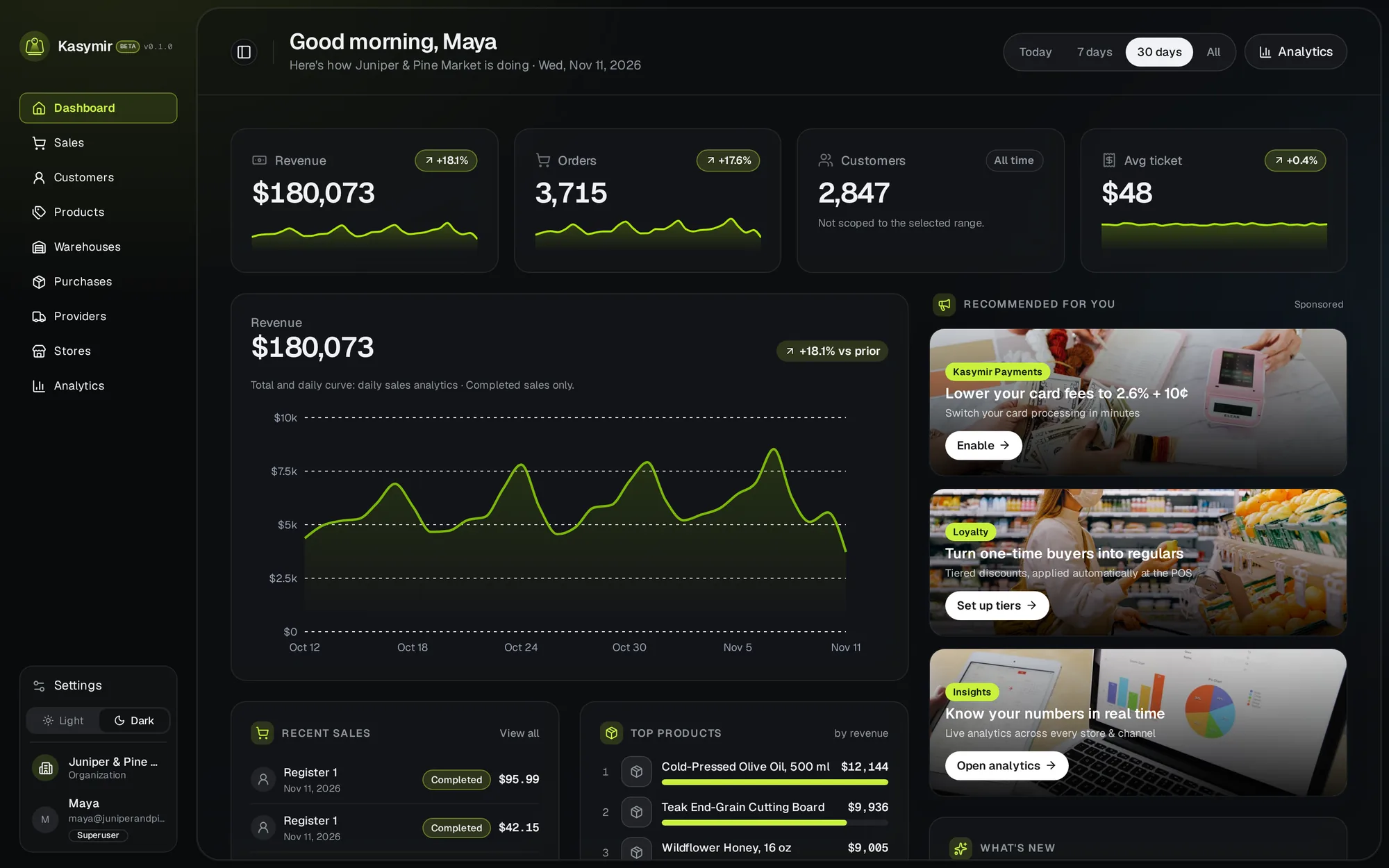
Six steps from your old system to Kasymir.
Each step links to a short guide in our help center.
- Create your business and first store
Sign up, then create your store under Stores. It comes with its own warehouse, ready for stock. How to - Bring your products
Add products with a photo, a price and the barcode they already have, or create them from your first purchase order. If you sell on WooCommerce or Shopify, connecting the store brings its products in. Big catalog? Write to us and we help. How to - Set up registers and your team
Add a cash register for each counter, invite your team with their own logins, and give each person a role. How to - Connect payments
Turn on the payment methods you accept. Keeping your current card terminal? Record its payments on each sale. Want card processing through Kasymir? Talk to us. How to - Connect your online store
If you have a WooCommerce or Shopify store, connect it from Settings, under Integrations. How to - Put a phone at the door
Pair a phone at the store to count visitors, or connect the cameras you already have through it. How to
Before you start.
Tick them off as you go. Your ticks stay in this browser.
What comes with you, and what starts fresh.
Comes with you
- Products, prices, photos and barcodes
- Customers
- Opening stock in each location
- Providers
- Products, orders and customers of your online store, through the connection
You set up fresh
- Stores and warehouses
- Cash registers
- Team logins and roles
- Payment methods
- Loyalty tiers and promotions
- Your logo and invoice design
- Store cameras
Stays where it is
- Your old sales history stays in your old system. Export it and keep it for your records.
Keep selling while you switch.
Every store moves at its own pace. This is the order, not a deadline.
- Before the first sale
Create the store, add products and stock, set up registers and invite your team. Your old register keeps working meanwhile.
- The first day
Open the register with a cash count, sell on Kasymir, and close the register at the end of the day.
- After the first close
Check the close against what was expected, fix any product or price you missed, then connect your online store and the cameras.
- When you are comfortable
Turn off the old system. Keep its export.
Straight answers.
Can I import my products from a file?
Not on your own yet. Add them in Kasymir, create them from a purchase order, connect your online store, or write to us and we help with a big catalog.
Can I keep my card terminal?
Yes. Record the payments it takes on each sale.
Do I need new hardware?
No. Kasymir runs on a phone, a tablet or a computer you already have.
What happens to my old sales history?
It stays in your old system. Export it before you turn that system off.