Steps
- In the menu, open “Stores”.
- Press “Create store”.
- Add the store name and address, then save.
- Kasymir creates the store with its own warehouse, so you can add stock right away.
- Next, add a cash register for the store under “Cash Registers”.
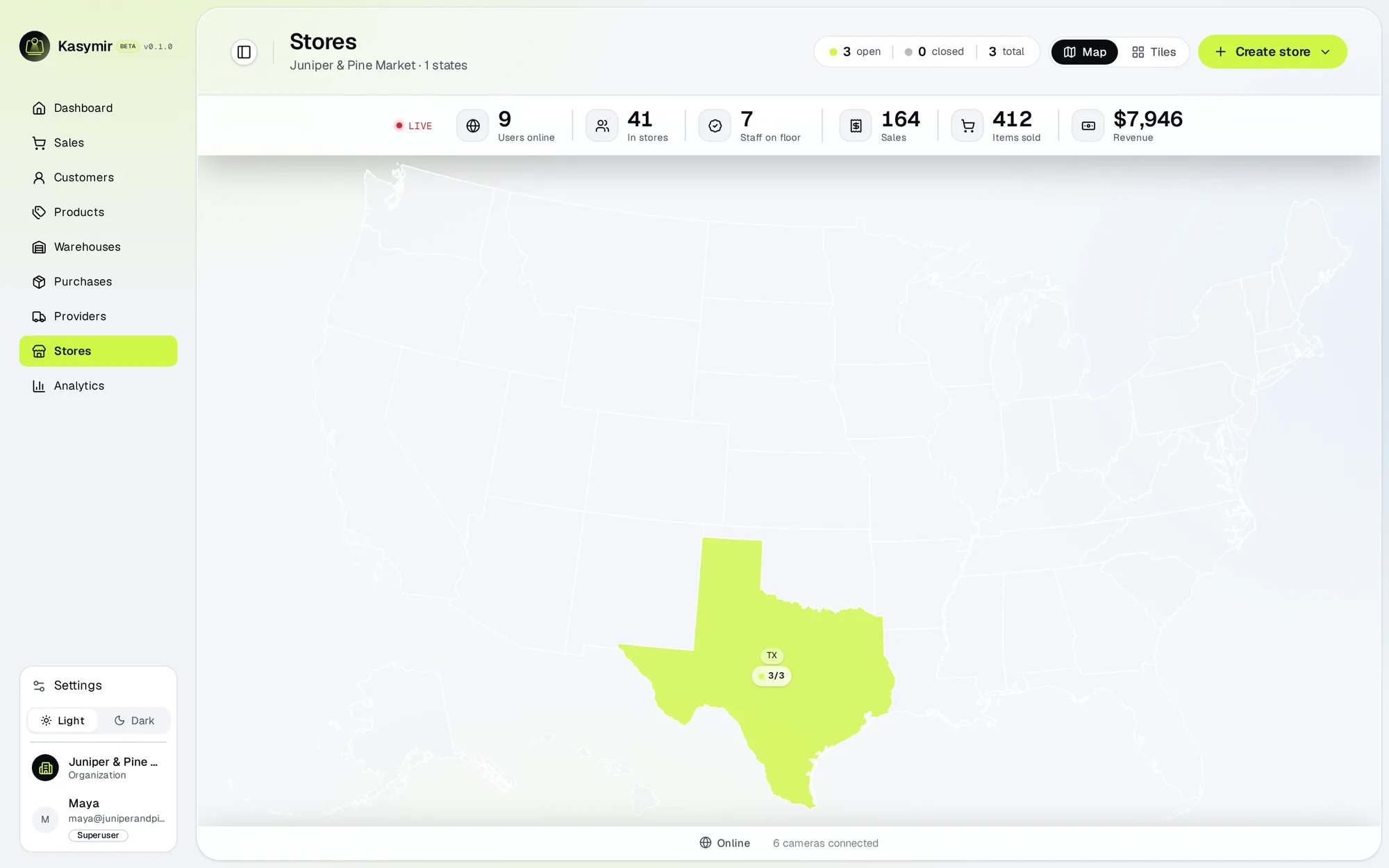
Every register, warehouse and team member belongs to a store. Start here.