Know where every unit sits.
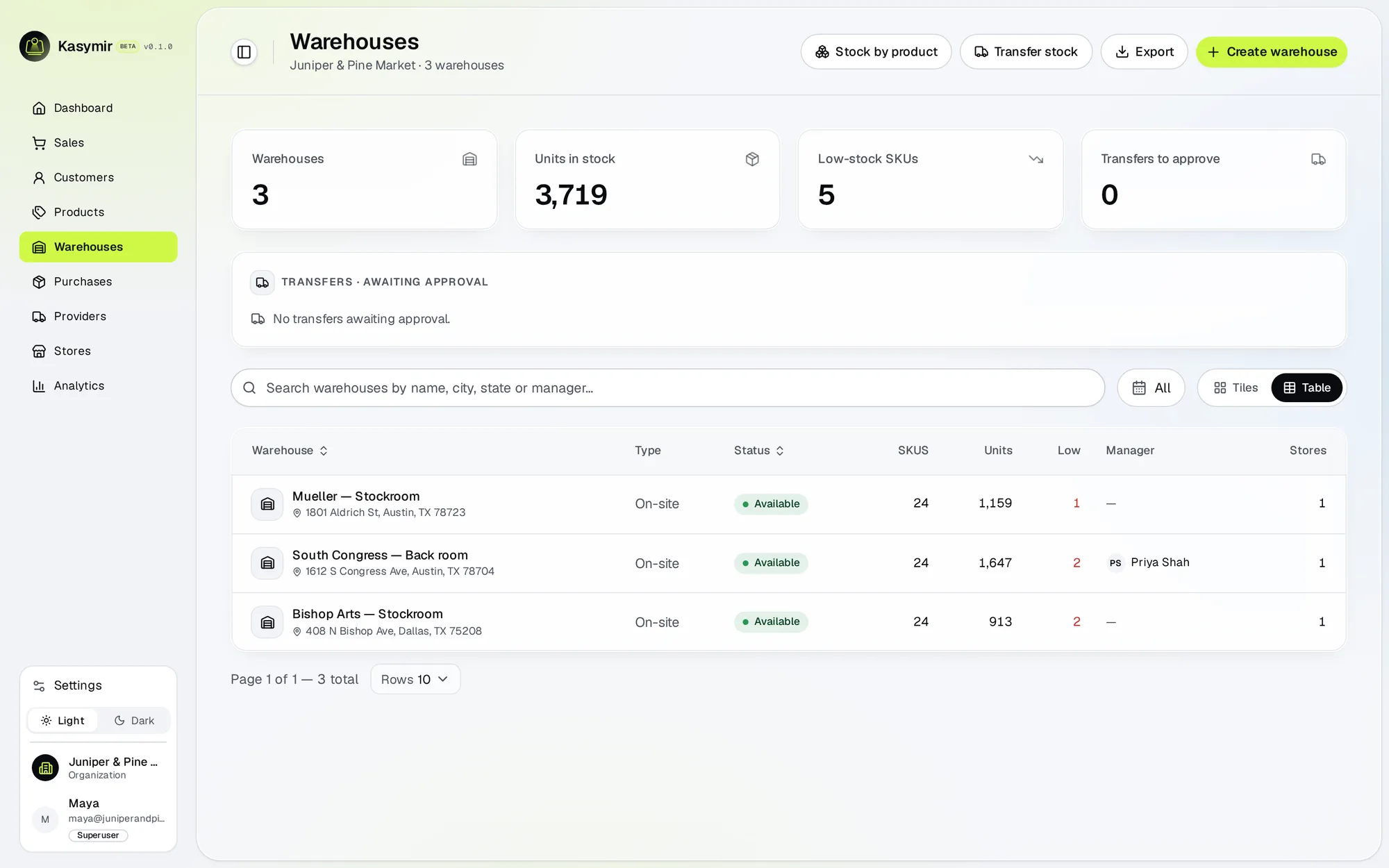
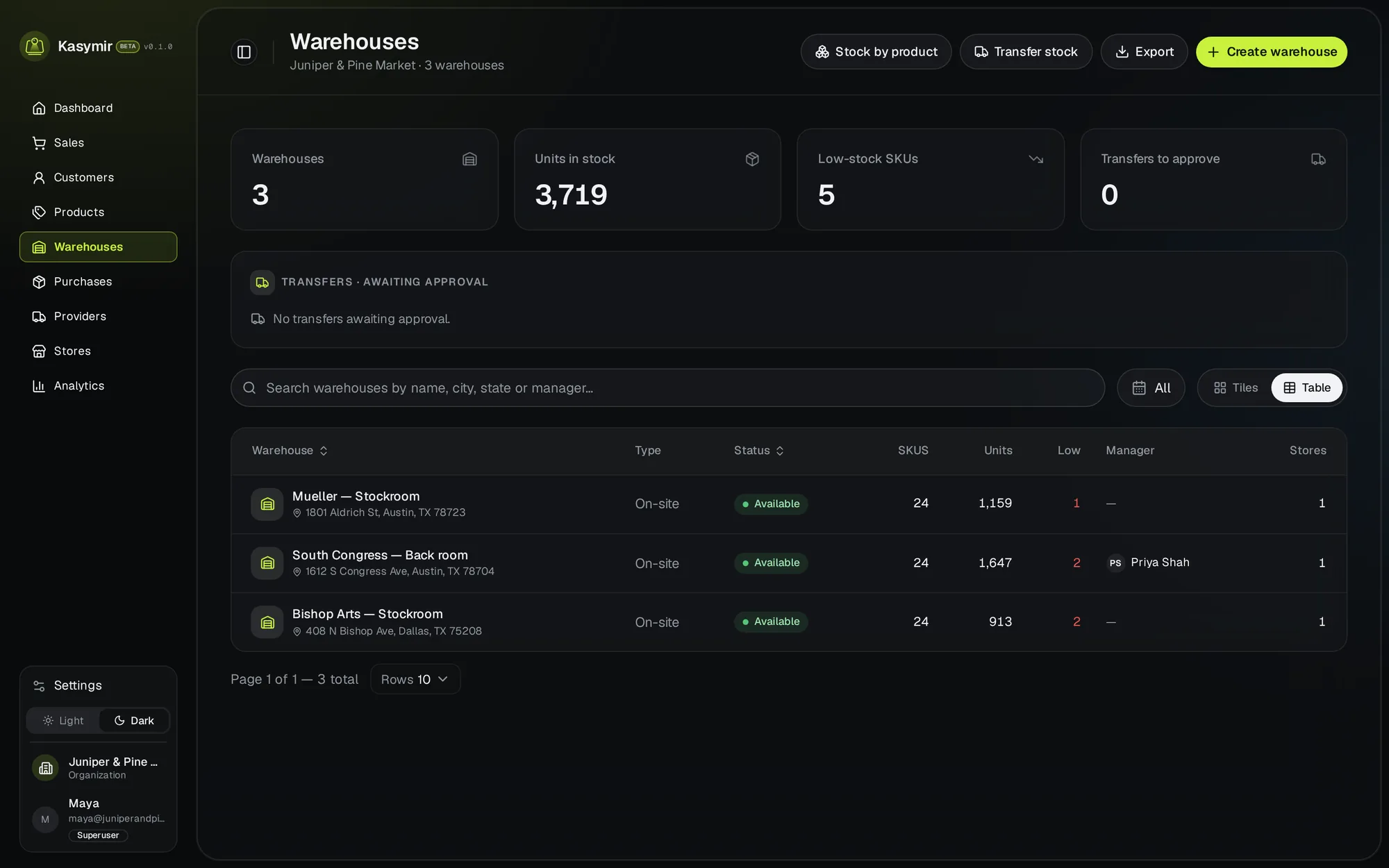
Products with photos, prices and barcodes, stock in every store and warehouse, and purchase orders that update stock the moment you receive them.
Everything in the box.
Every card below is in the product today.
Products
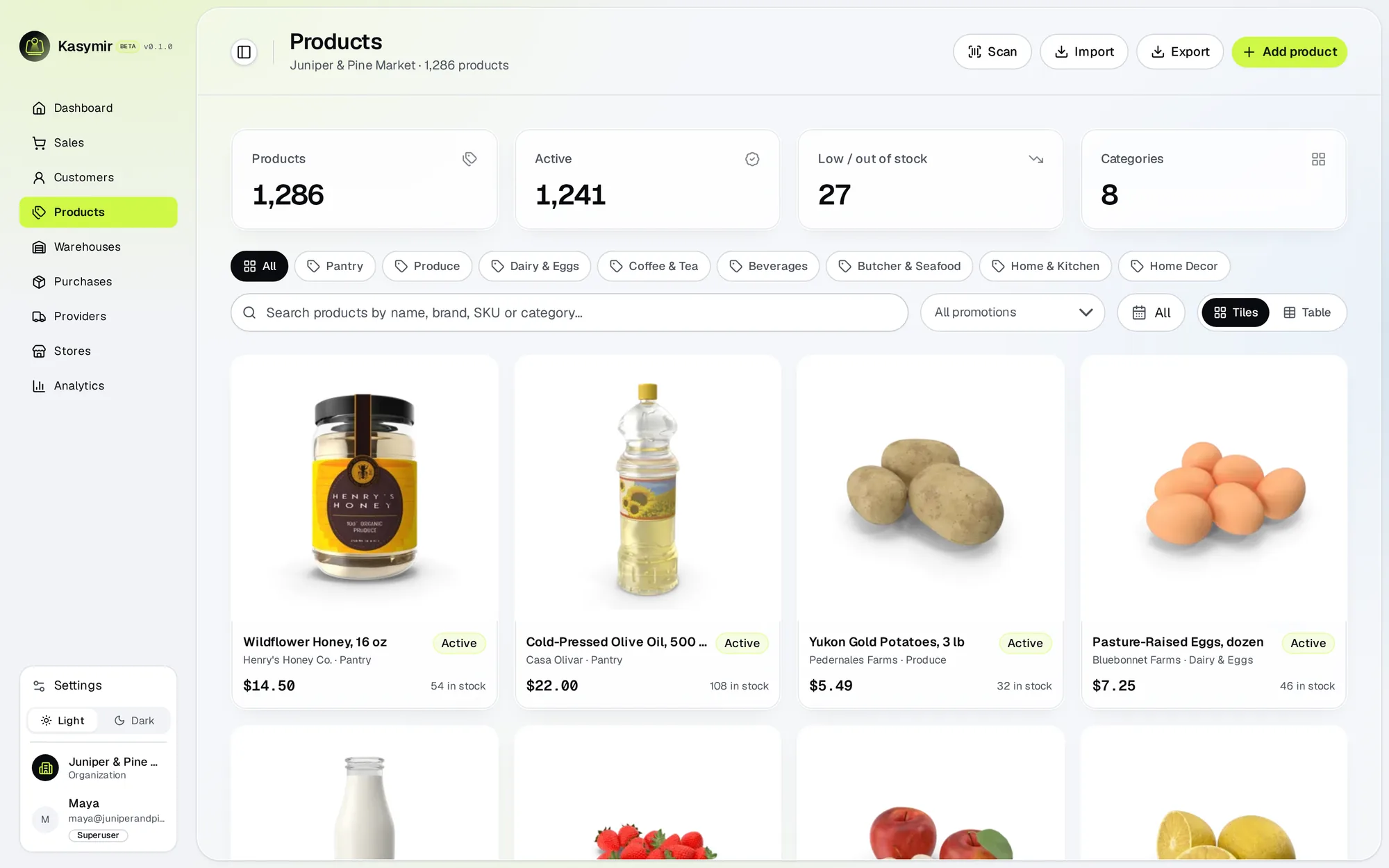
Photos, prices, SKUs, barcodes and categories, created step by step.
Stock per location
How much you have in each store and warehouse.
Low-stock alerts
A heads-up when a product runs low.
Providers and purchase orders
Order from your providers, and email them the order if you want.
Receiving
Receive deliveries, even in parts. Stock goes up when you receive.
Raw materials
Ingredients and supplies with their own stock and providers.
Barcodes from the phone
Products missing a barcode wait on a list in the phone app, ready to scan.
Returns back to stock
Refunded items go back into stock.
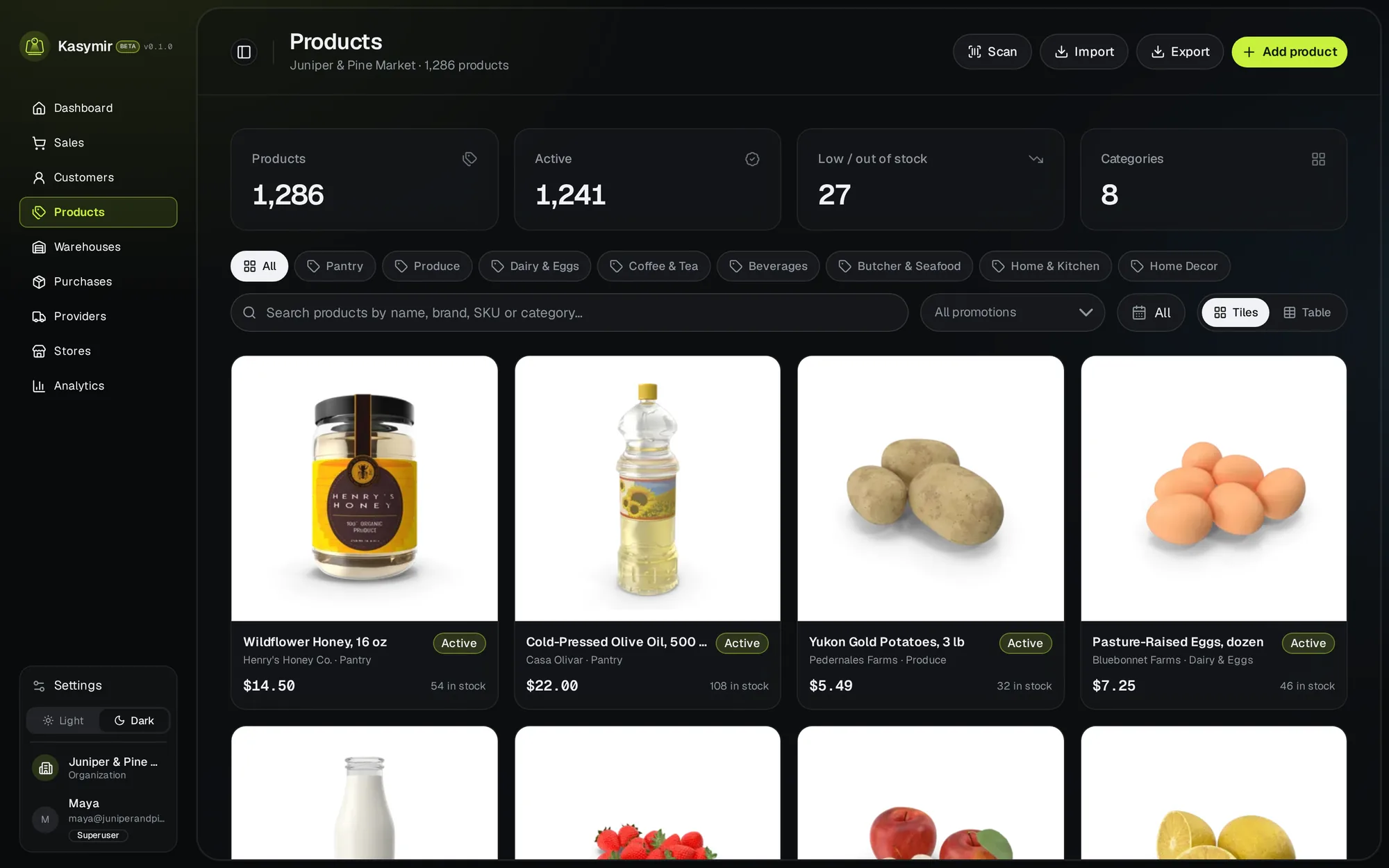
A catalog that looks like a store.
Every product with its photo, price and stock, ready to sell at the counter and online.
- Unfinished products are saved as drafts.
Up and running in an afternoon.
Add your products
One by one with a photo and a barcode, or from a purchase order.
Set the stock
Tell Kasymir how much you have in each store and warehouse.
Order and receive
Send purchase orders to providers and receive what arrives.
Straight answers.
Can I have stock in a warehouse and in my stores?
Yes. Every store and warehouse keeps its own stock, and you see all of them together.
What if a provider delivers only part of an order?
Receive what came. The rest stays on the order until it arrives.
Can I use the barcodes my products already have?
Yes. Add the barcode to the product and scan it at the register.