Steps
- Write to us at [email protected] to get the Kasymir phone app. It is not in the app stores yet.
- On a phone at the store, sign in to the app and pair it with that store.
- Aim the phone at the door, or connect your existing cameras through it.
- Turn counting on for each camera you want to use. You can switch it off at any time.
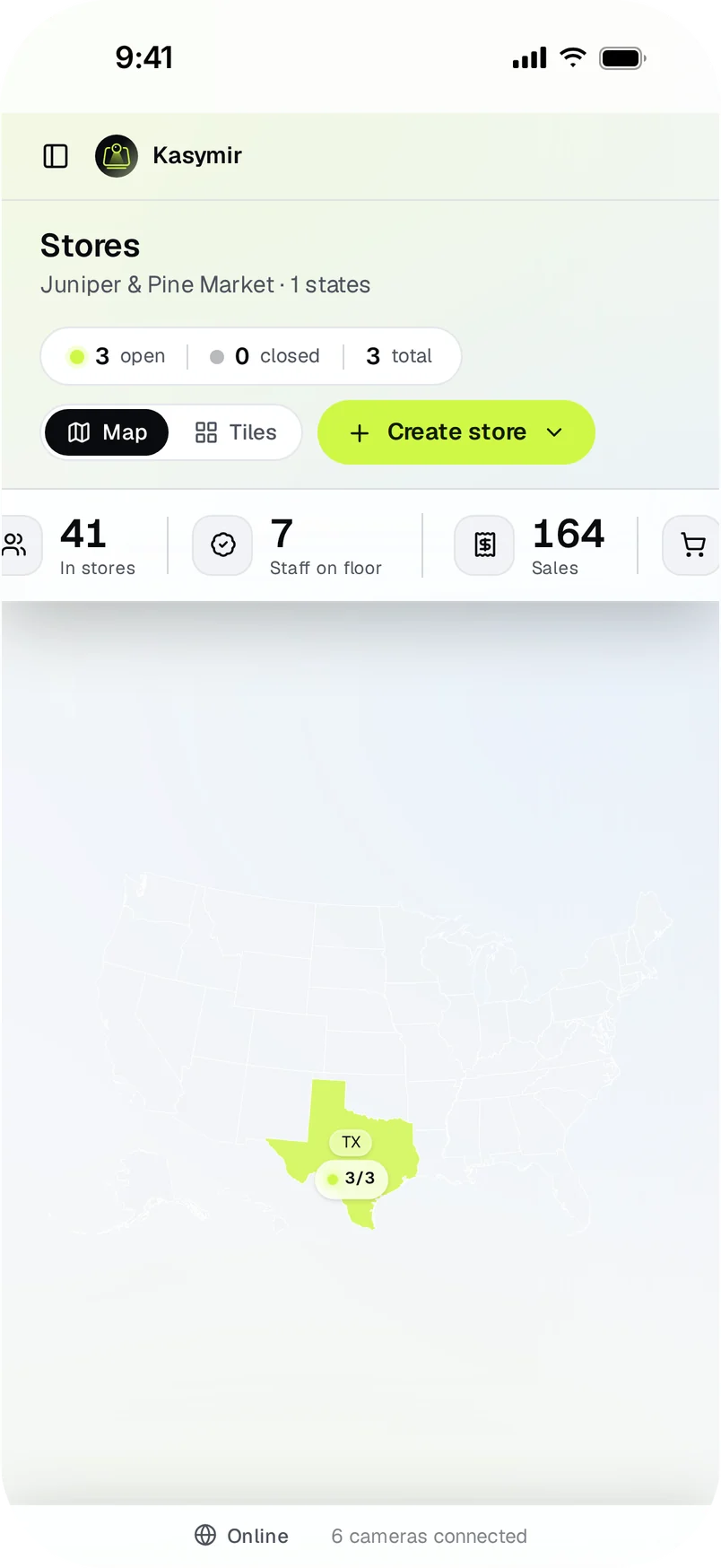
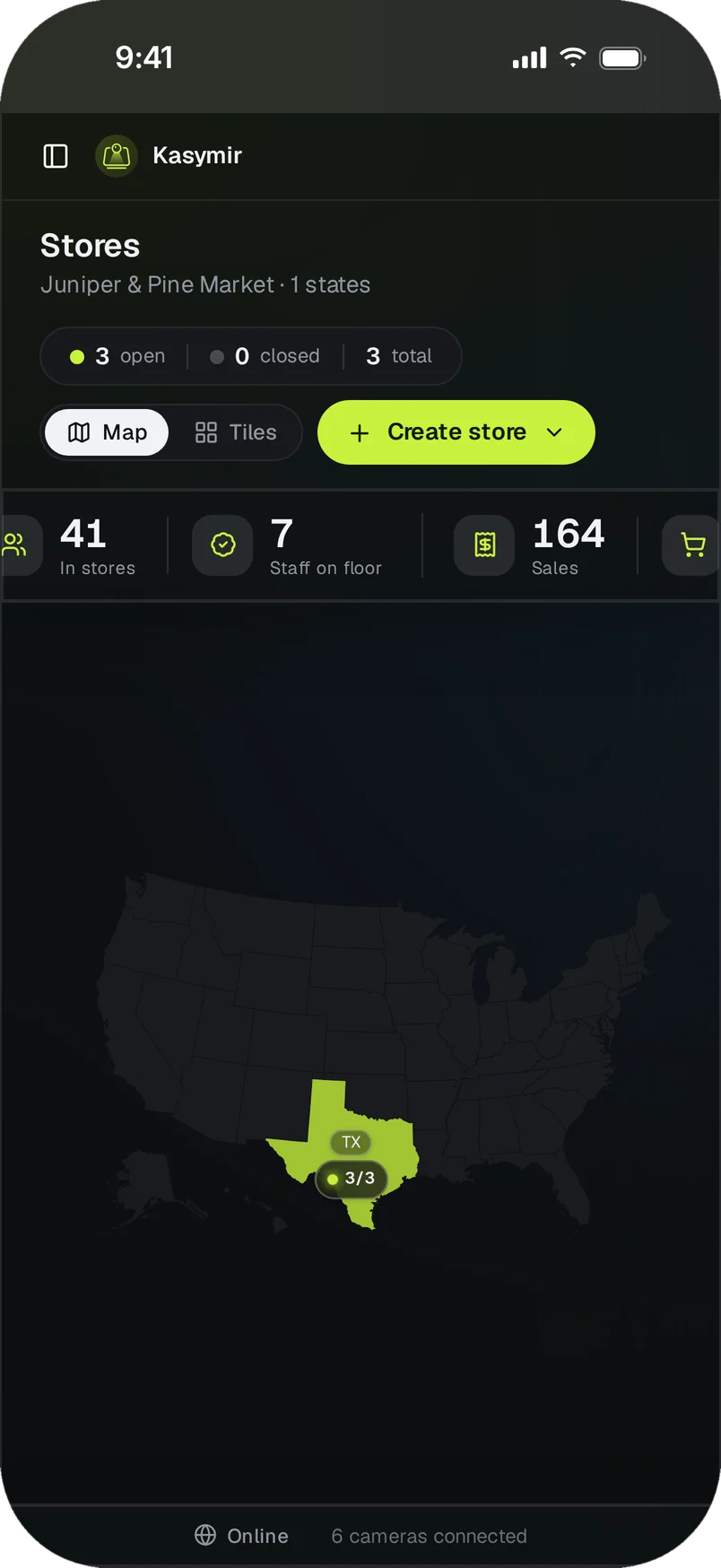
- Open “Stores” in your account to see the live view and the people count.