A register that fits in your pocket.
Sell from a phone, a tablet or a computer. Scan, charge, and move on to the next customer. Payments, stock and customers update as you go.


Everything in the box.
Every card below is in the product today.
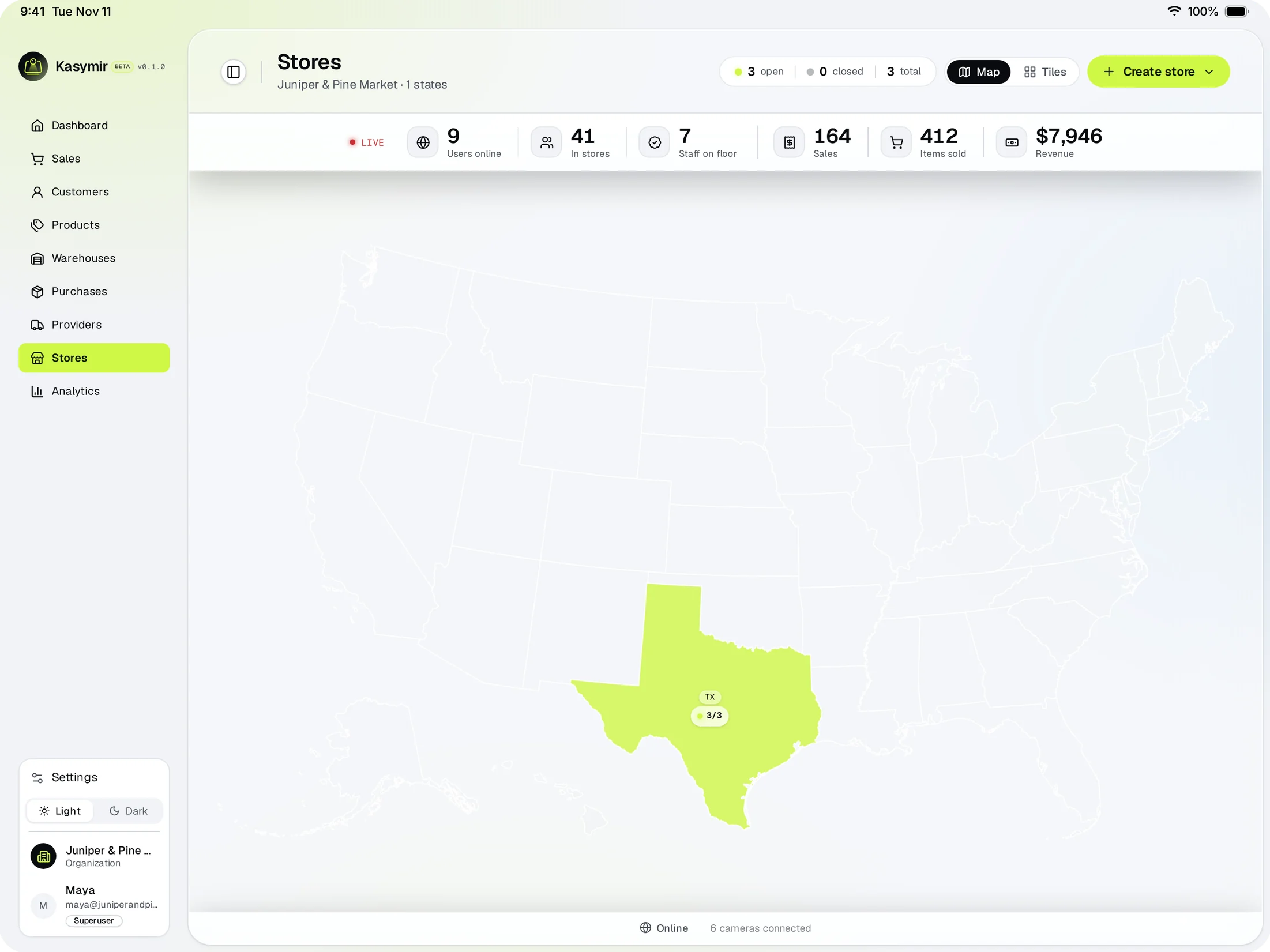
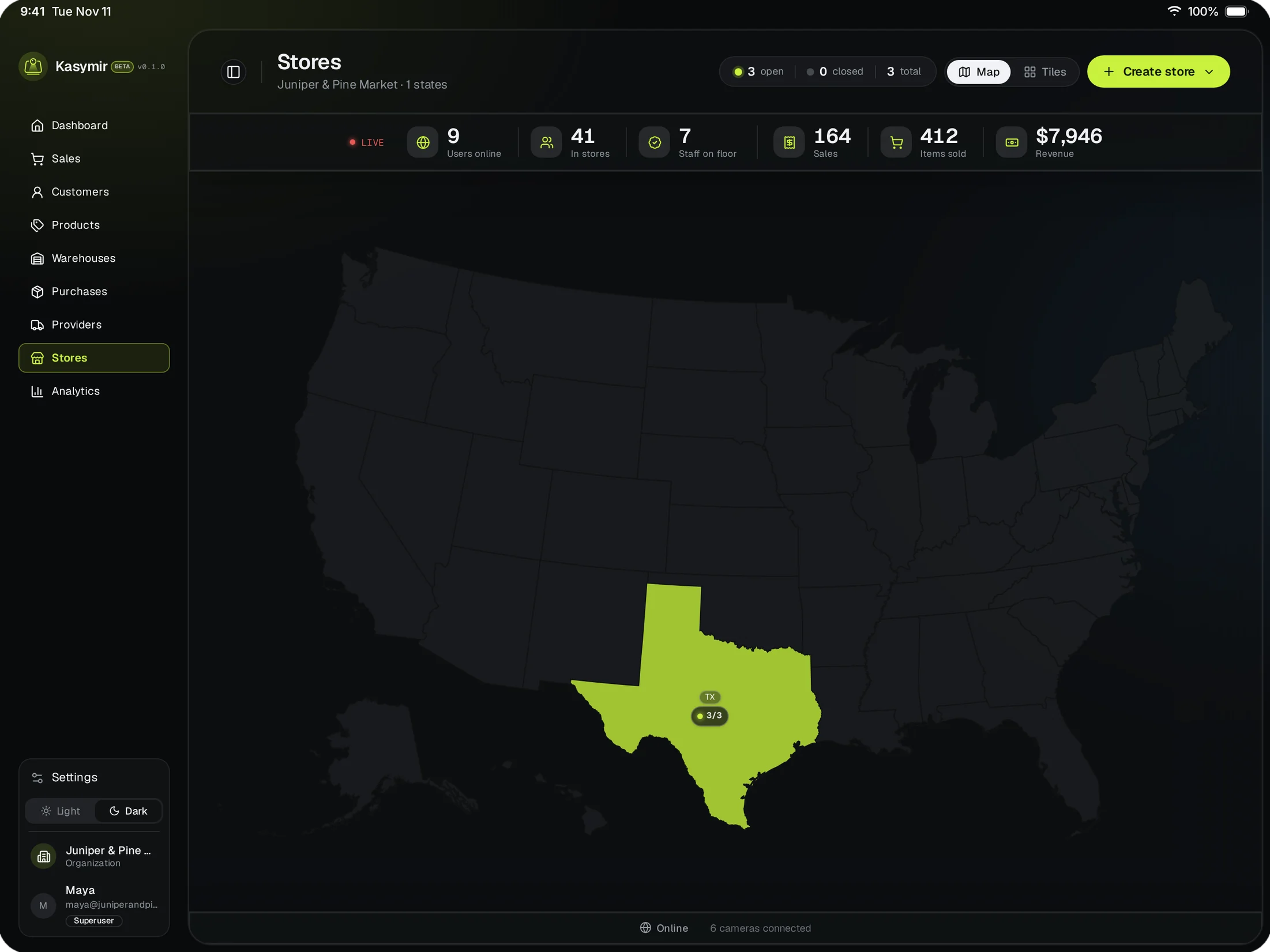
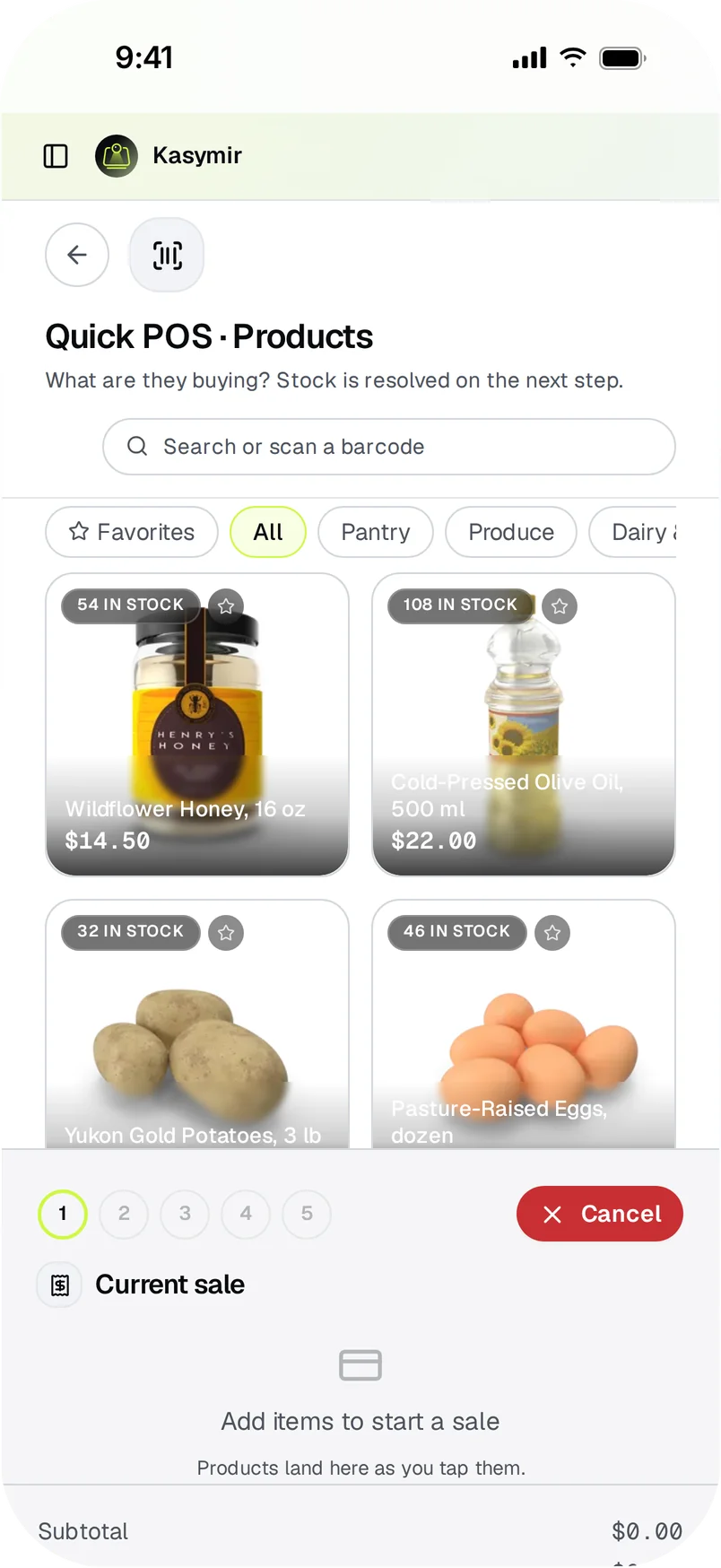
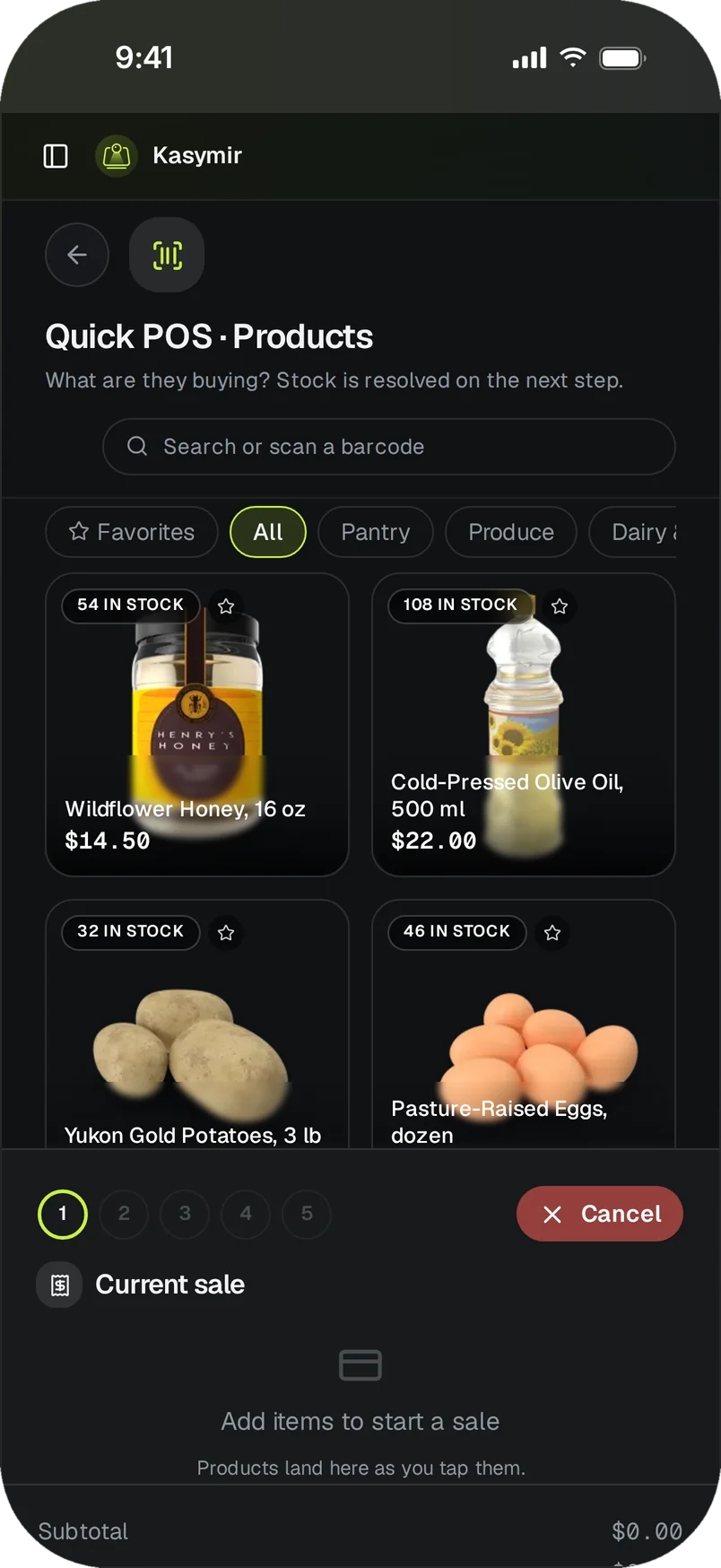
Any screen
The same register on a phone, a tablet or a computer.
Barcodes and QR codes
Scan to add a product, or search by name or SKU.
Split payments
One sale paid with cash, card and transfer, each recorded on its own.
Cash registers
Open and close each register, with counted cash next to what was expected.
Refunds and credit notes
Refund from the sale itself. Returned items go back into stock.
Orders from a phone
A teammate builds the order on the phone app and sends it to the cashier.
Promotions and loyalty
Discounts and loyalty tiers applied right at checkout.
Invoices
Each sale gets its invoice number from the register it was sold on.
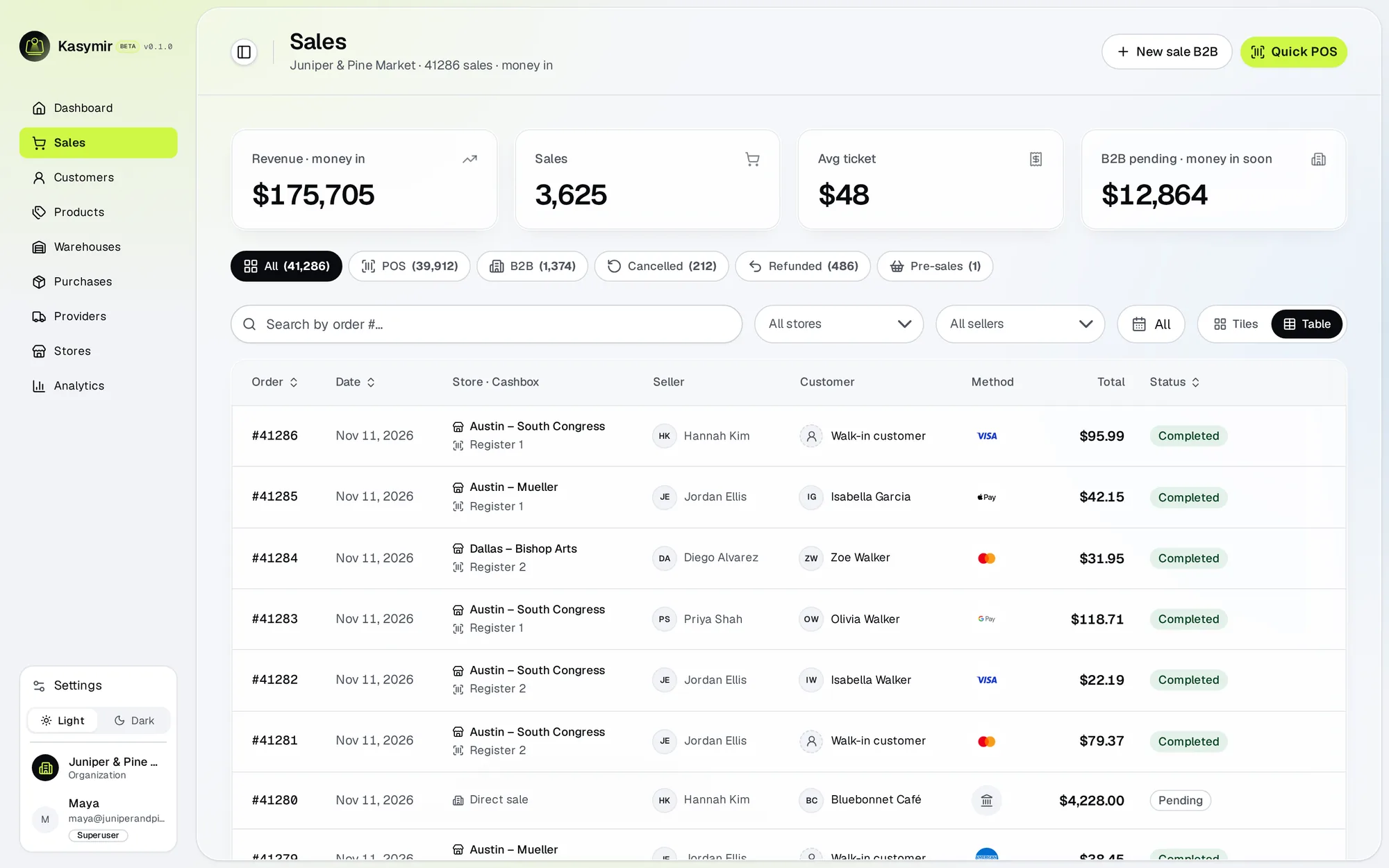
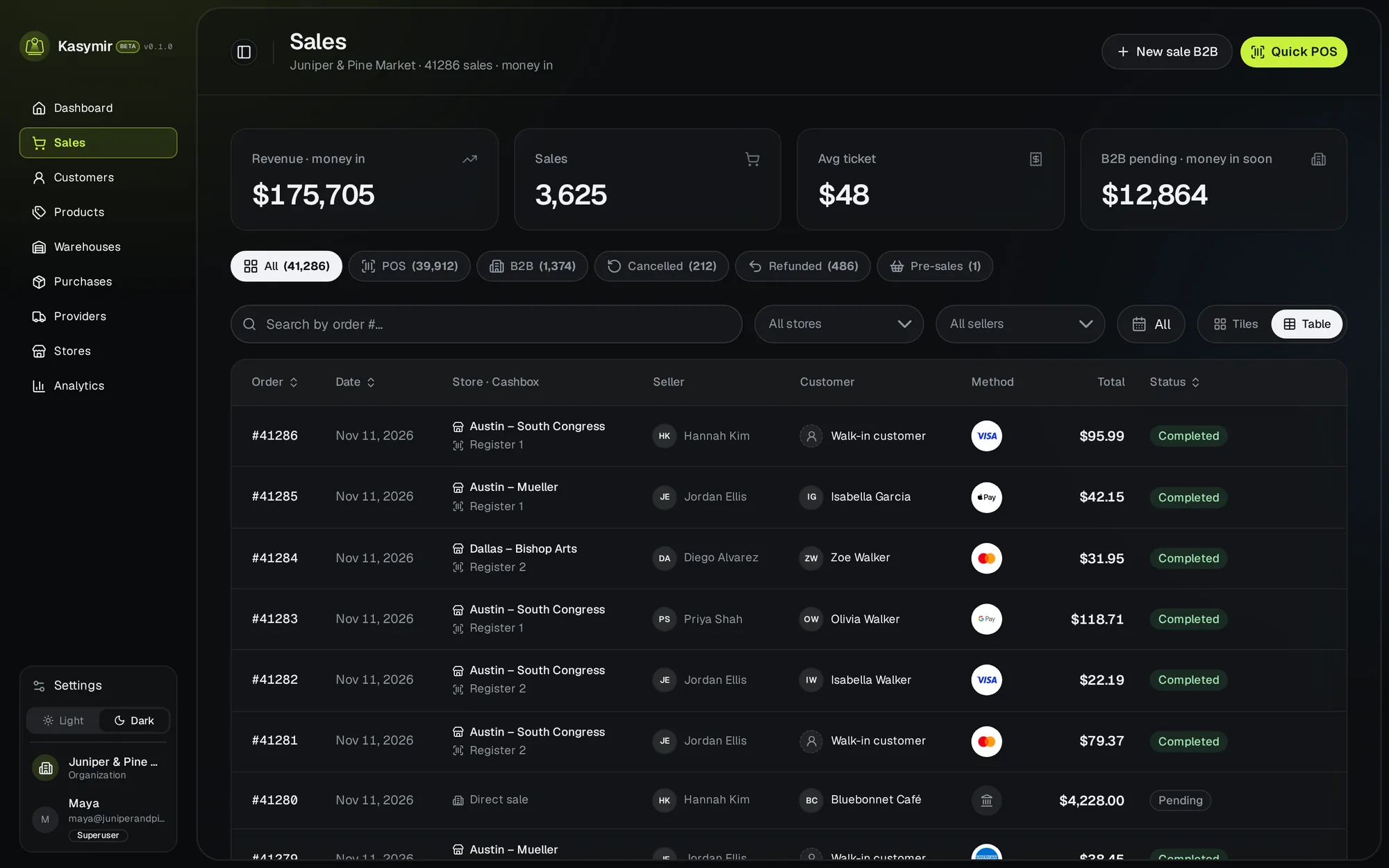
Every sale in one list.
Counter sales and wholesale orders together, with the payment, the seller who closed it and any refund.
- Unfinished sales are saved as drafts you can pick up later.
- Totals for the period you filter, at the top.
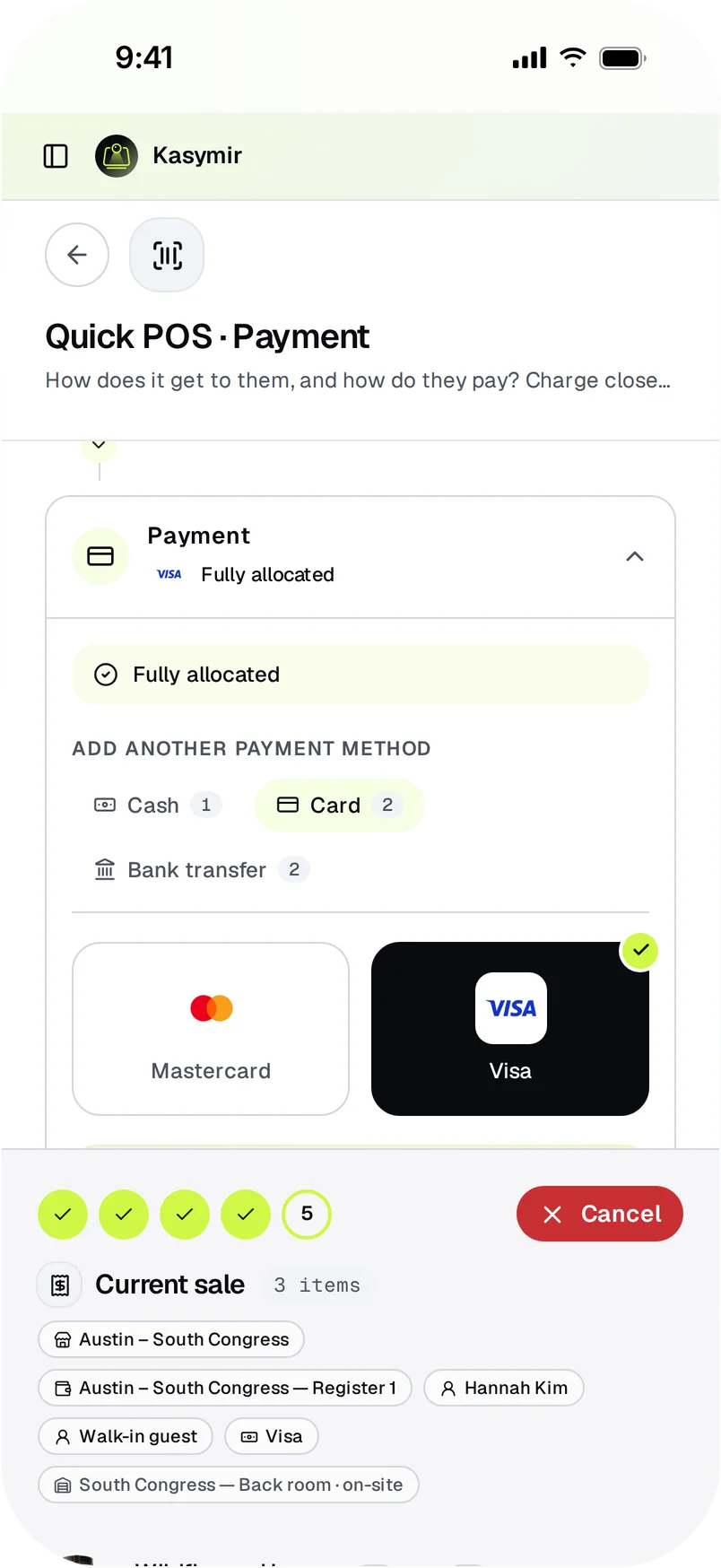
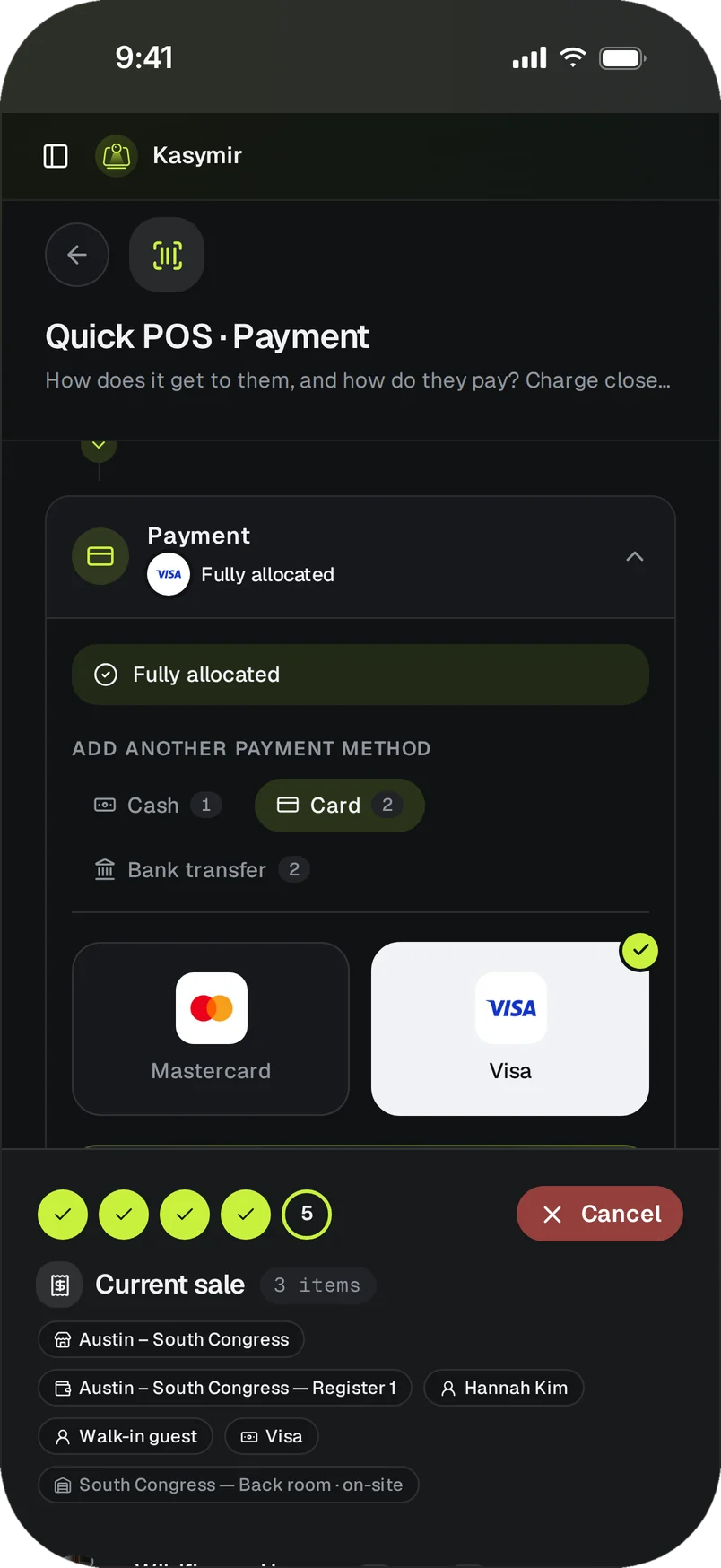
Charge it the way they want to pay.
Pick the payment methods your registers accept. Split one sale across several of them when a customer asks.
- Cash, card and transfer on the same sale.
Up and running in an afternoon.
Add your products
With a photo, a price and a barcode, or straight from a purchase order.
Open a cash register
Pick the store and the register, and count the cash you start with.
Sell
Scan or tap the products, choose how they pay, done.
Straight answers.
What do I need to start?
A phone, a tablet or a computer with a browser. No servers and no installers.
Can I keep my current card terminal?
Yes. A payment taken on your own terminal can be recorded on the sale as its payment method.
Can each cashier have their own login?
Yes. Every person signs in with their own account and role, and each sale keeps who made it.