Your shelves and your website, one catalog.
Connect the online store you already have. Products, orders and customers sync with Kasymir, so the counter and the website stop living separate lives.
Everything in the box.
Every card below is in the product today.
WooCommerce
Connect your WordPress store with WooCommerce from Settings, under Integrations.
Shopify
Connect your Shopify store from the same place.
Products in sync
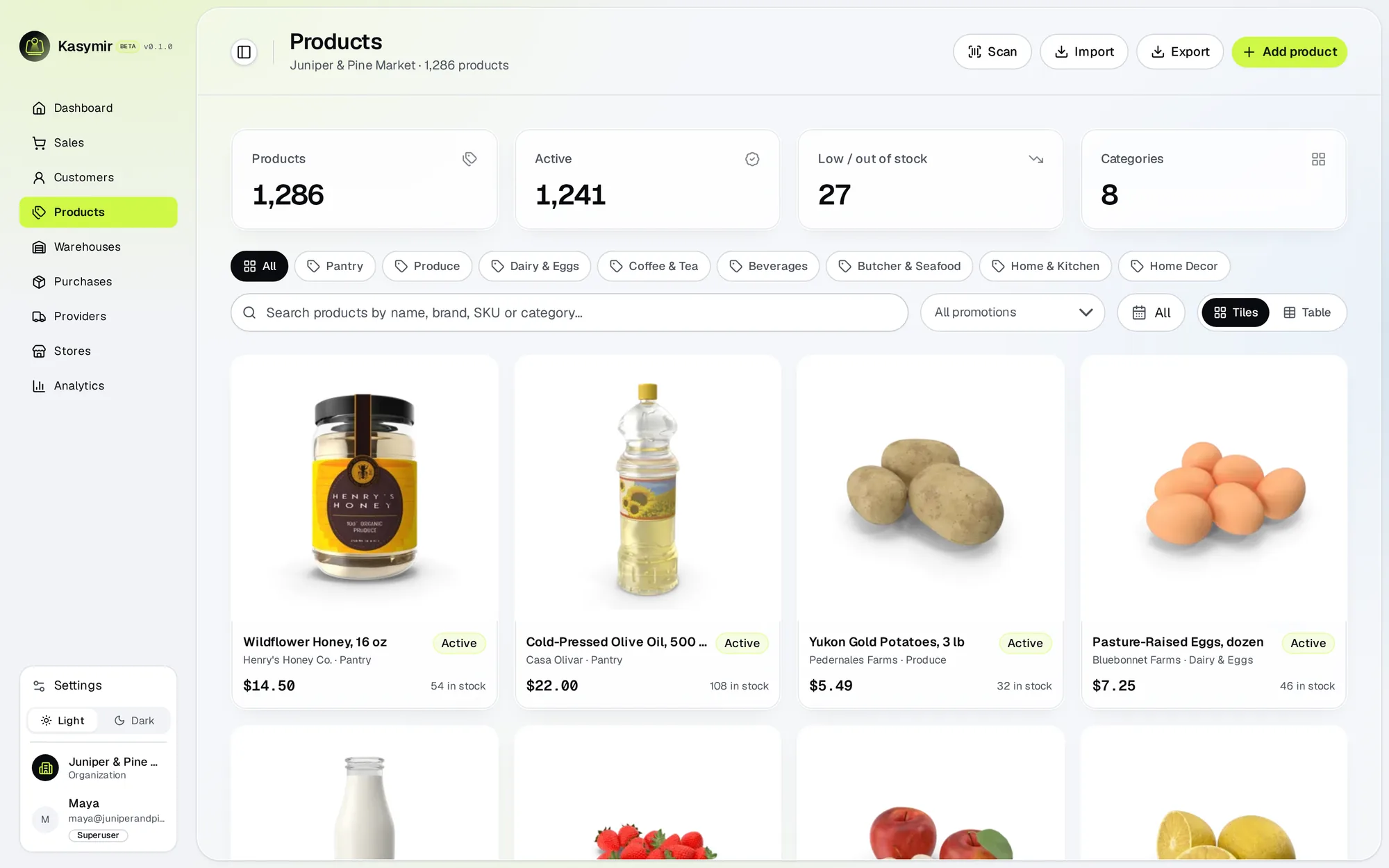
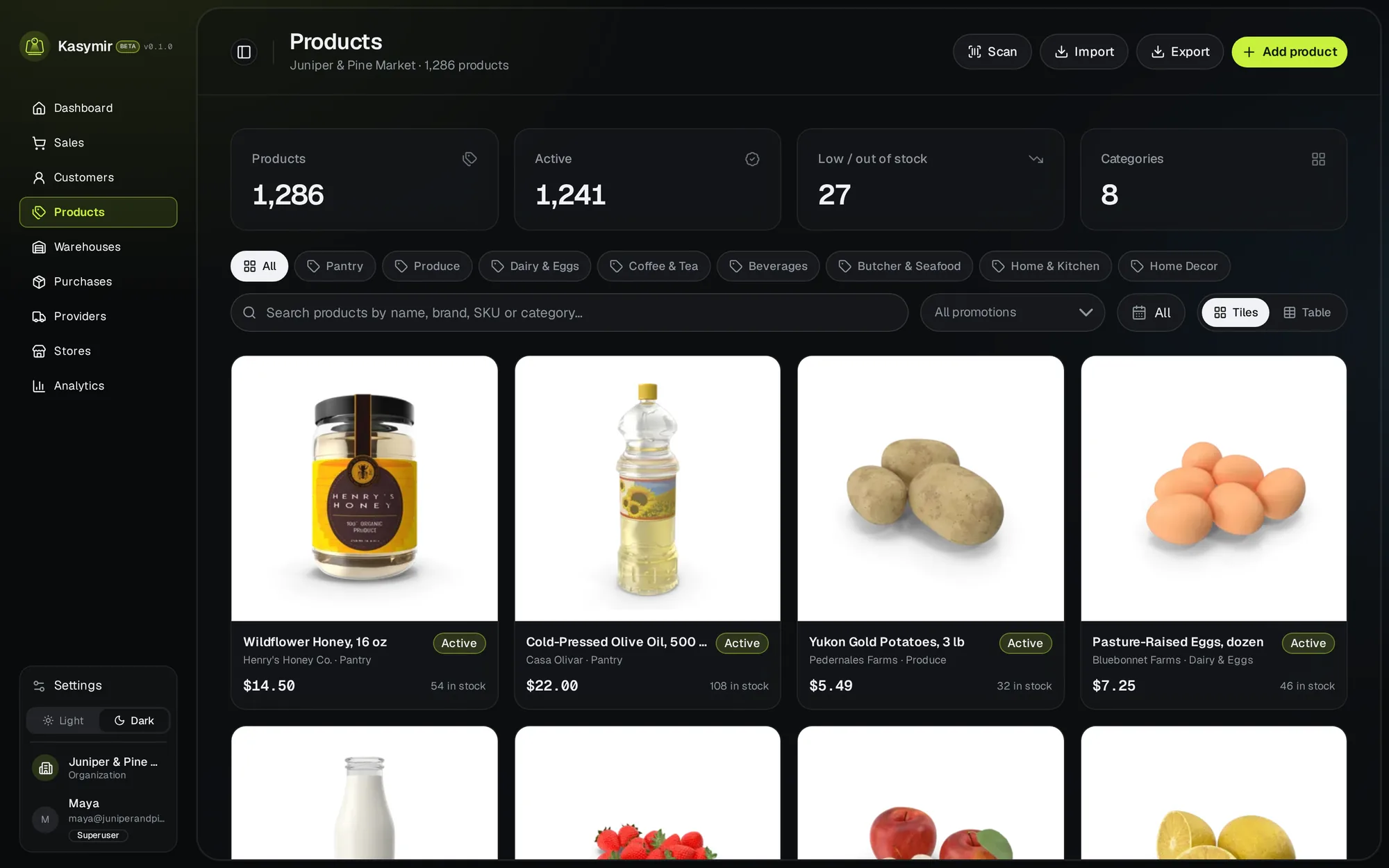
One catalog for the counter and the website.
Orders in sync
Online orders come into Kasymir.
Customers in sync
People who buy online become customers in Kasymir too.
See the connection
Settings shows which store is connected and when a connection needs attention.
Up and running in an afternoon.
Open Integrations
In your Kasymir account, go to Settings and then Integrations.
Connect your store
Choose WooCommerce or Shopify and follow the steps to approve the connection.
Sell everywhere
Products, orders and customers sync between your website and Kasymir.
Straight answers.
Which platforms can I connect?
WooCommerce (on WordPress) and Shopify.
Do I have to move my website?
No. Your store stays where it is. Kasymir connects to it.
I sell somewhere else. Can you connect it?
Tell us where you sell and we will tell you what is possible today.