Eyes on the floor. From a regular phone.
Put a phone at the store, or connect the cameras you already have through it. Kasymir counts who comes in, tells staff from shoppers, and puts it next to your sales.

Everything in the box.
Every card below is in the product today.
People counting
How many people are in each store right now, and how many came in today.
Visits by hour
An hourly history, so you see the busy times before you plan the week.
Staff and shoppers
Mark the staff area and Kasymir counts your team apart from your customers.
Live view
Watch the store from your phone or computer, with each person boxed as they are counted.
Cameras you already have
Security cameras and recorders join through the phone at the store.
One person, one visit
Someone who steps out of view and comes back still counts as one visit.
On when you say so
Counting runs only on the cameras you turn on, and you can switch each one off.
Next to your sales
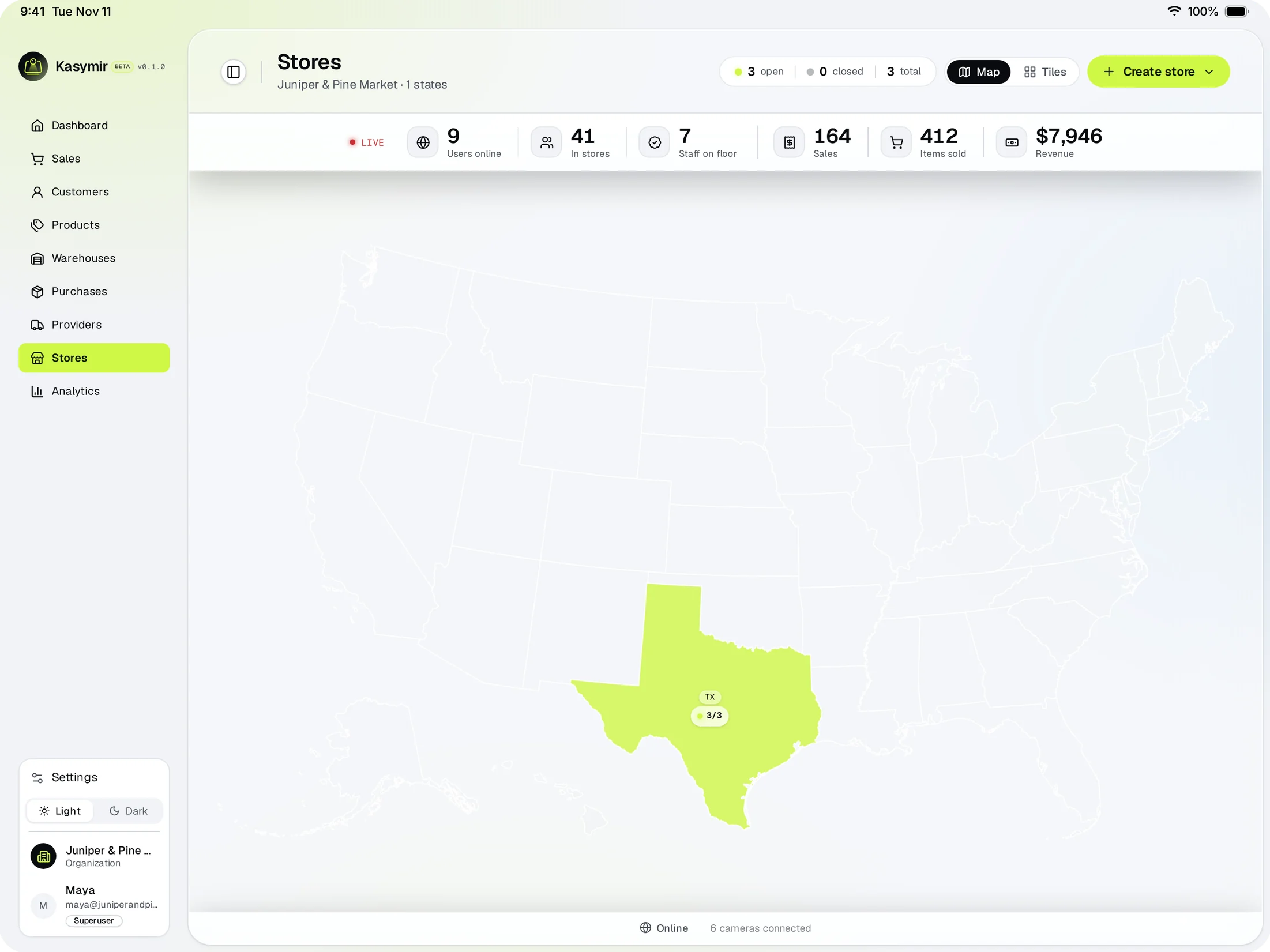
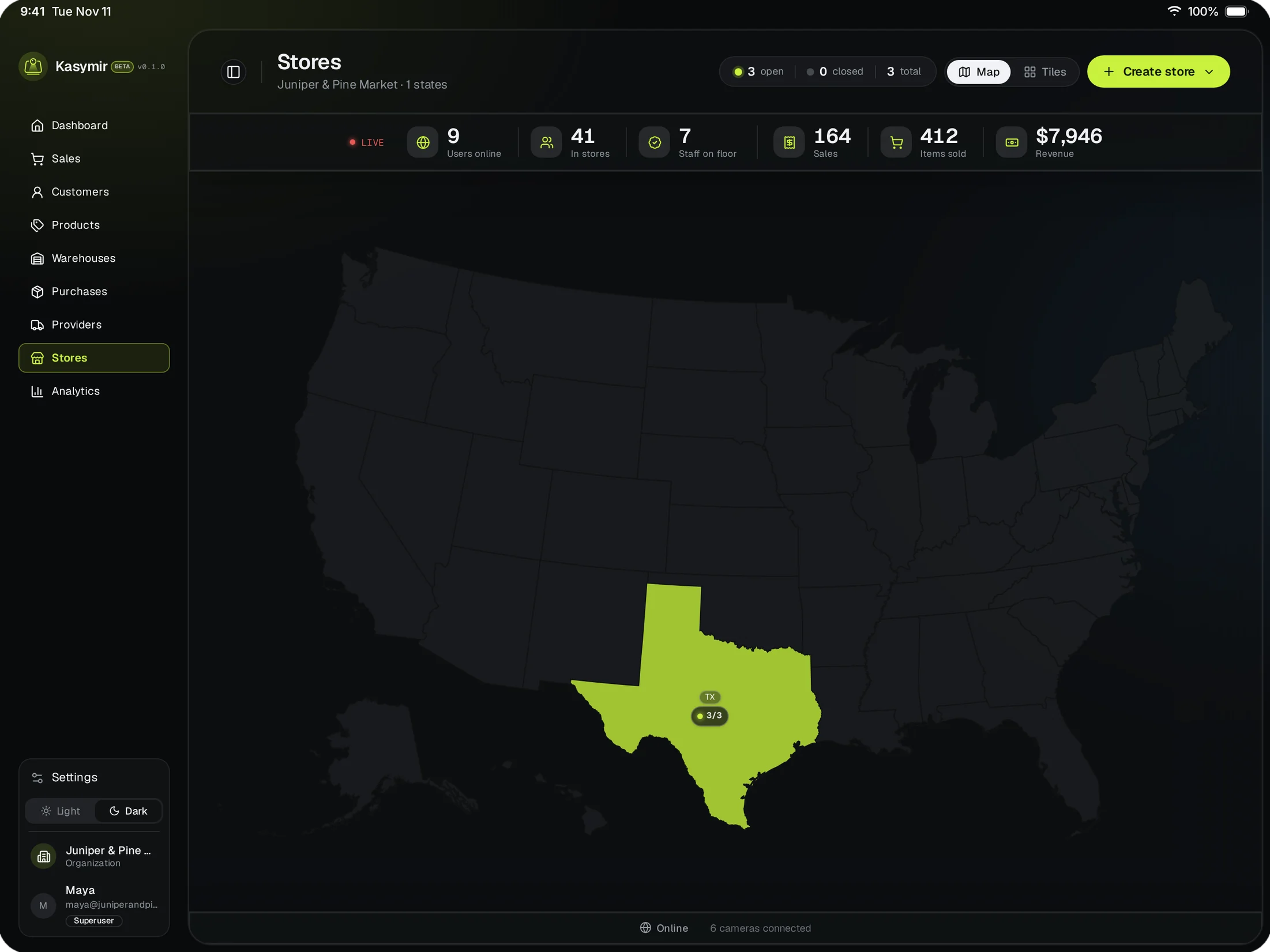
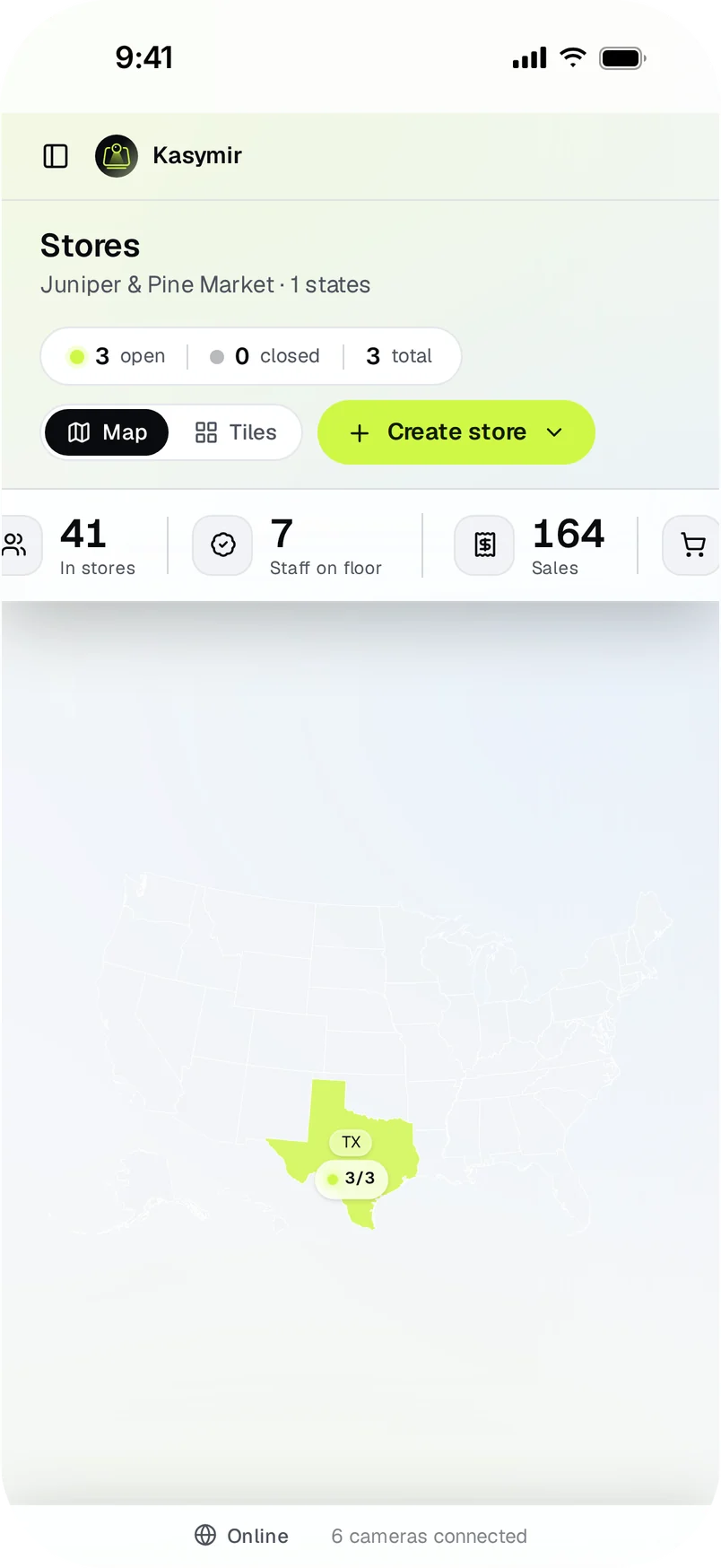
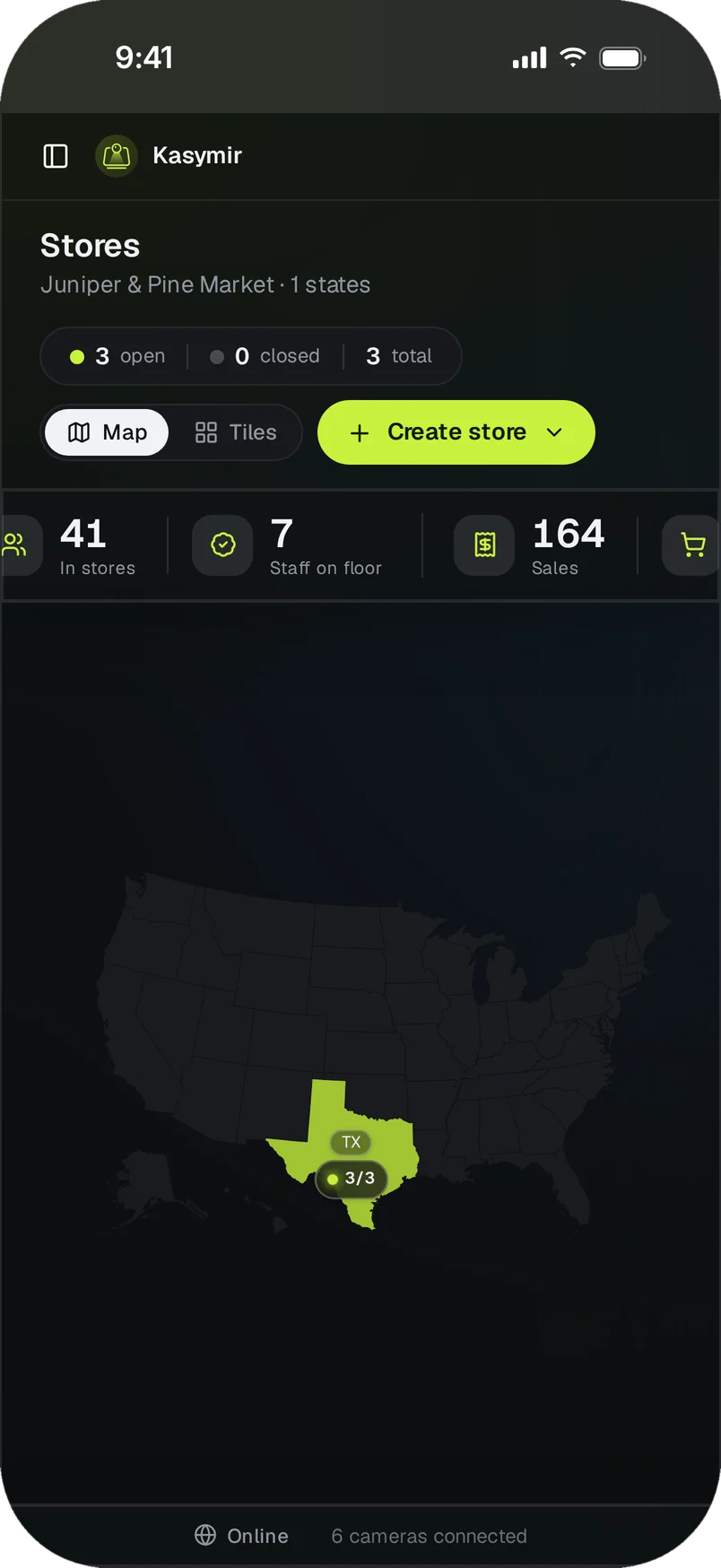
Visitors, staff on the floor and sales for every store on one map.
Every store, live, on one map.
People in each store, staff on the floor and today's sales, side by side.
- See which stores are open and which cameras are connected.
Up and running in an afternoon.
Set up a phone at the store
Sign in to the Kasymir phone app on a phone at the store and pair it with that store.
Point it, or connect your cameras
Aim the phone at the door, or connect the cameras you already have through it.
Watch the numbers
People counts and the live view show up under Stores in your Kasymir account.
Straight answers.
Do I need to buy new cameras?
No. A regular phone is enough. If you already have security cameras, the phone connects them to Kasymir.
Where do I get the phone app?
Write to us and we set you up. The app is not in the app stores yet.
Who can watch the live view?
Only signed-in people on your team who have access to that store.