Steps
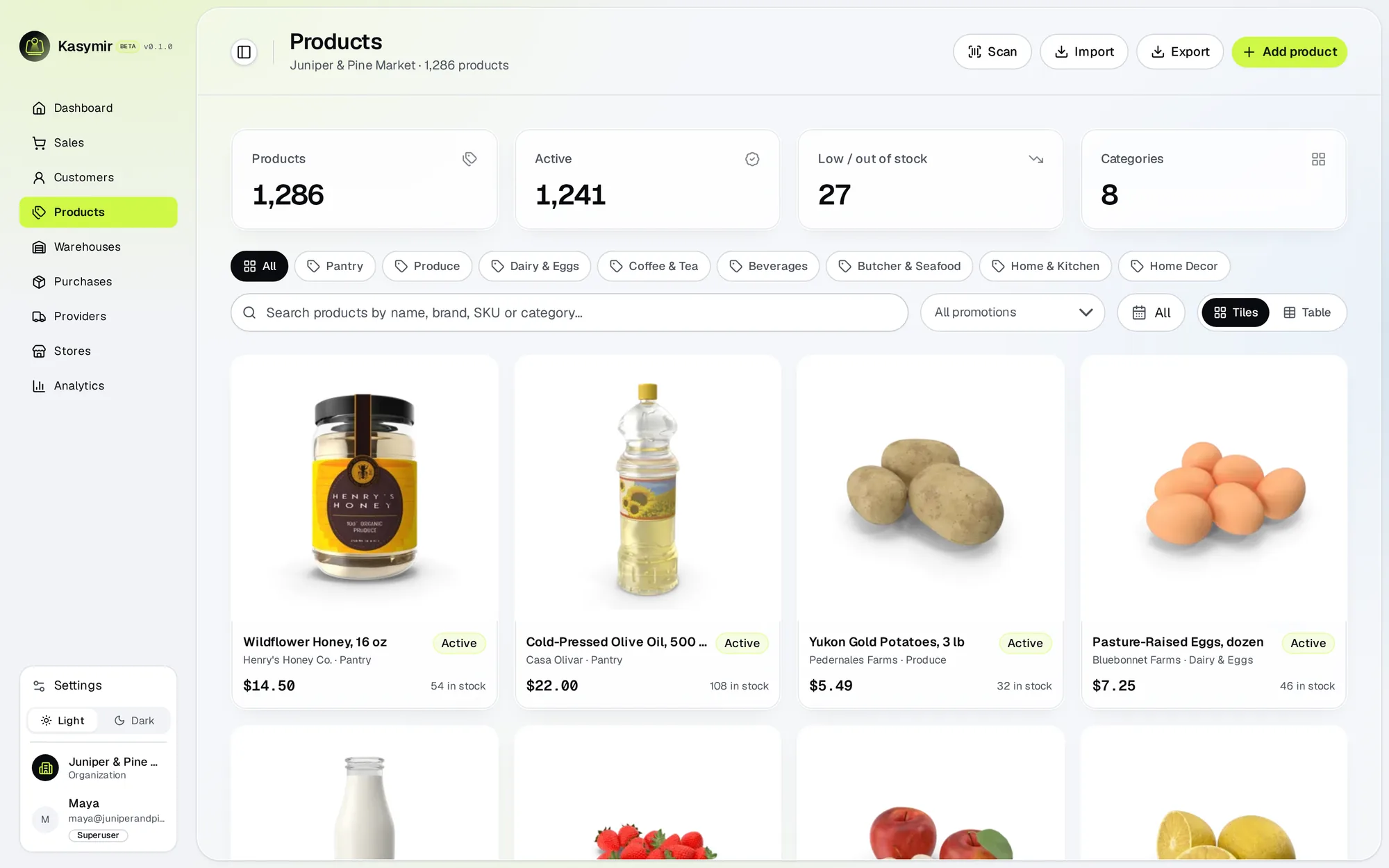
- Open “Products” and press “Create product”.
- Add the name, price, SKU, barcode and category, and upload photos.
- Set how much stock you have in each warehouse.
- Save. If you stop halfway, the product is kept as a draft you can finish later.
TipSelling ingredients or supplies you use, not sell? Add them under “Raw Material”.