Steps
- Open the Kasymir phone app and go to the “Sell” tab.
- Tap the products, or search by name, SKU or barcode.
- Choose the customer, the cash register and the seller.
- Tap “Send to Cashier”. The order arrives at that register, ready to charge.
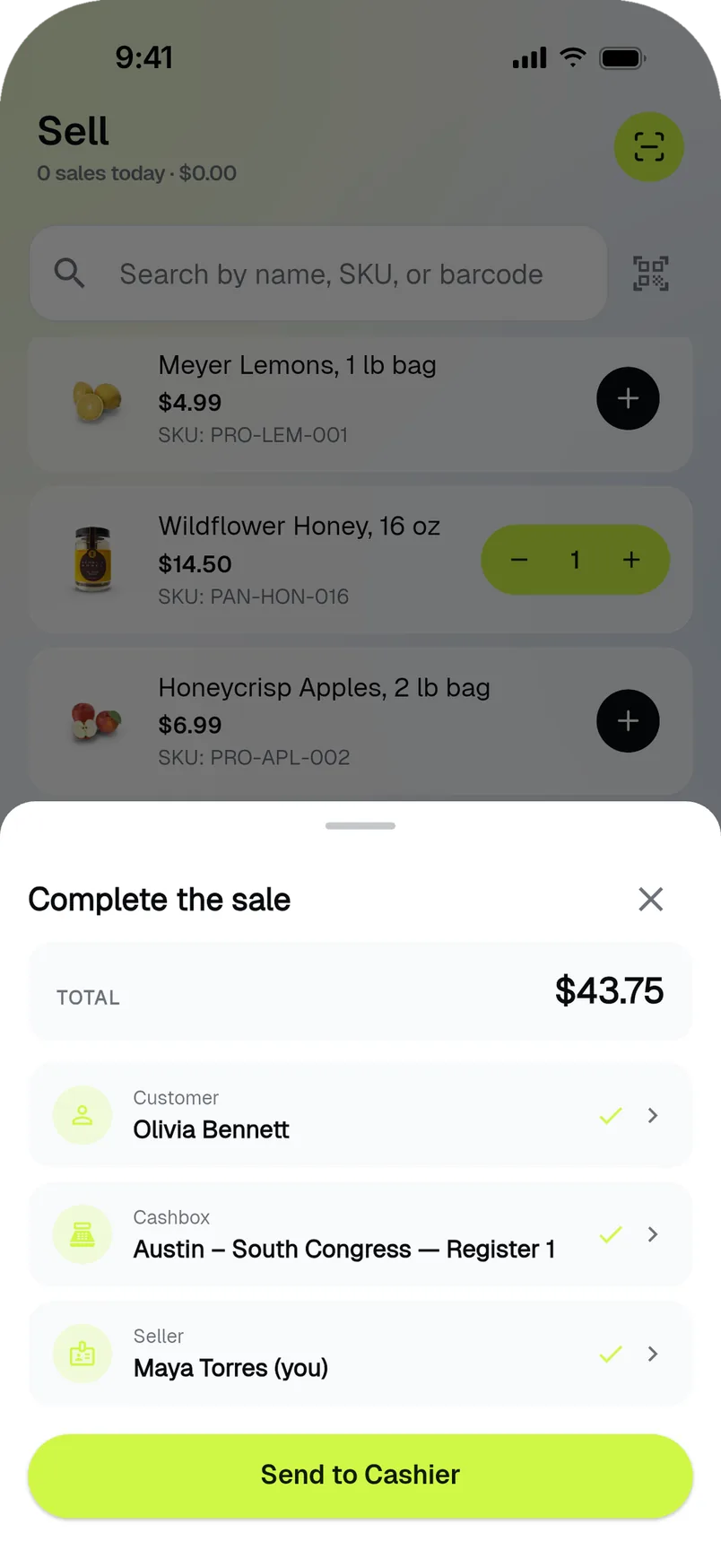
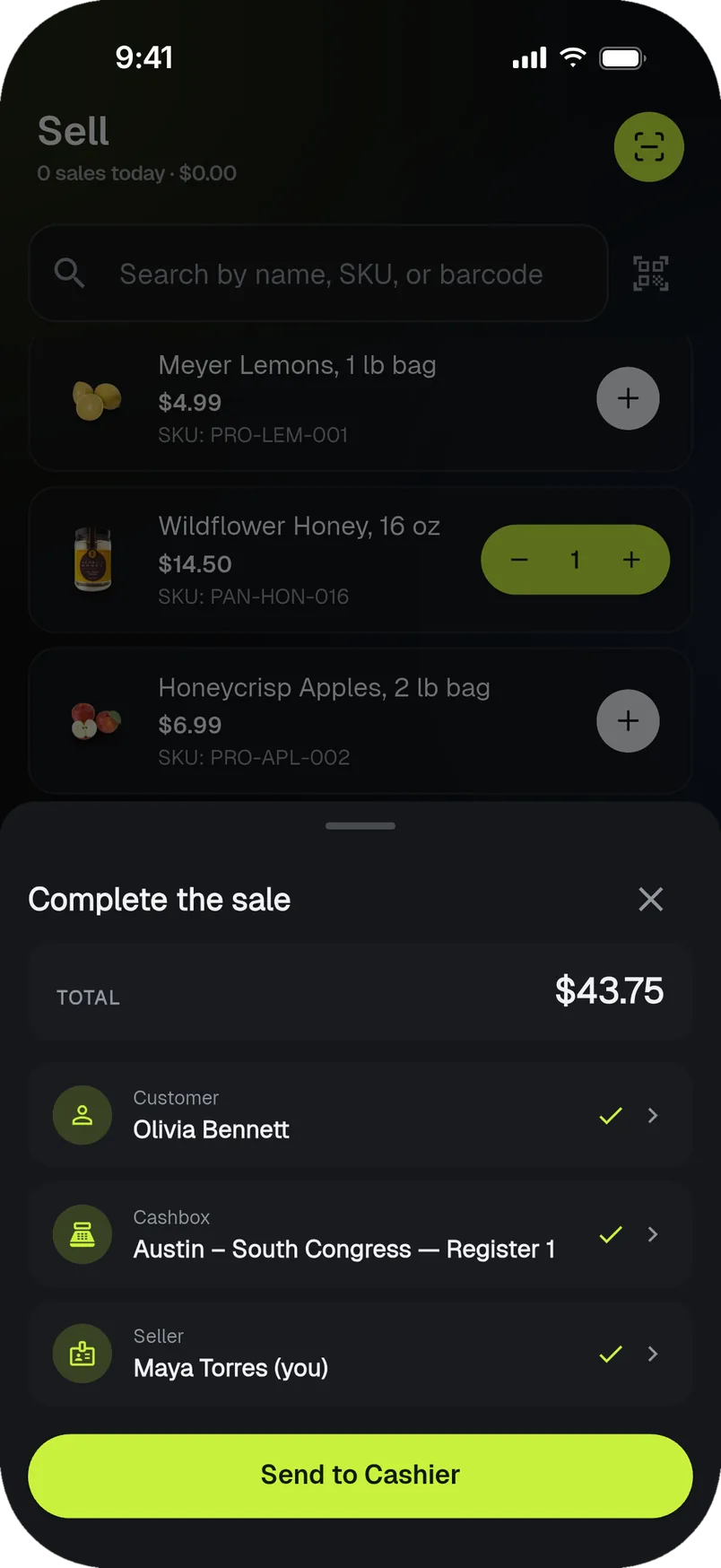
Build the order on the floor; the cashier only takes the payment.