Steps
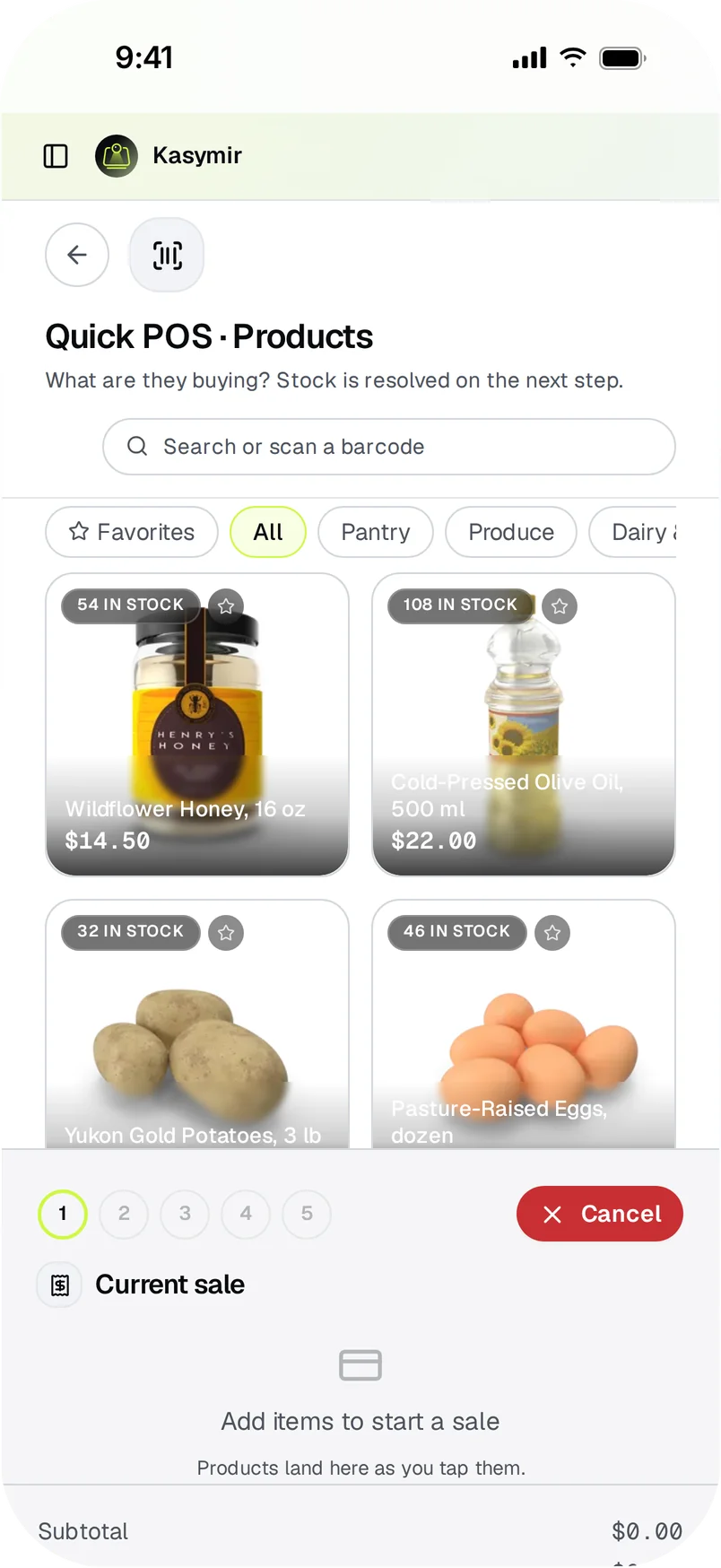
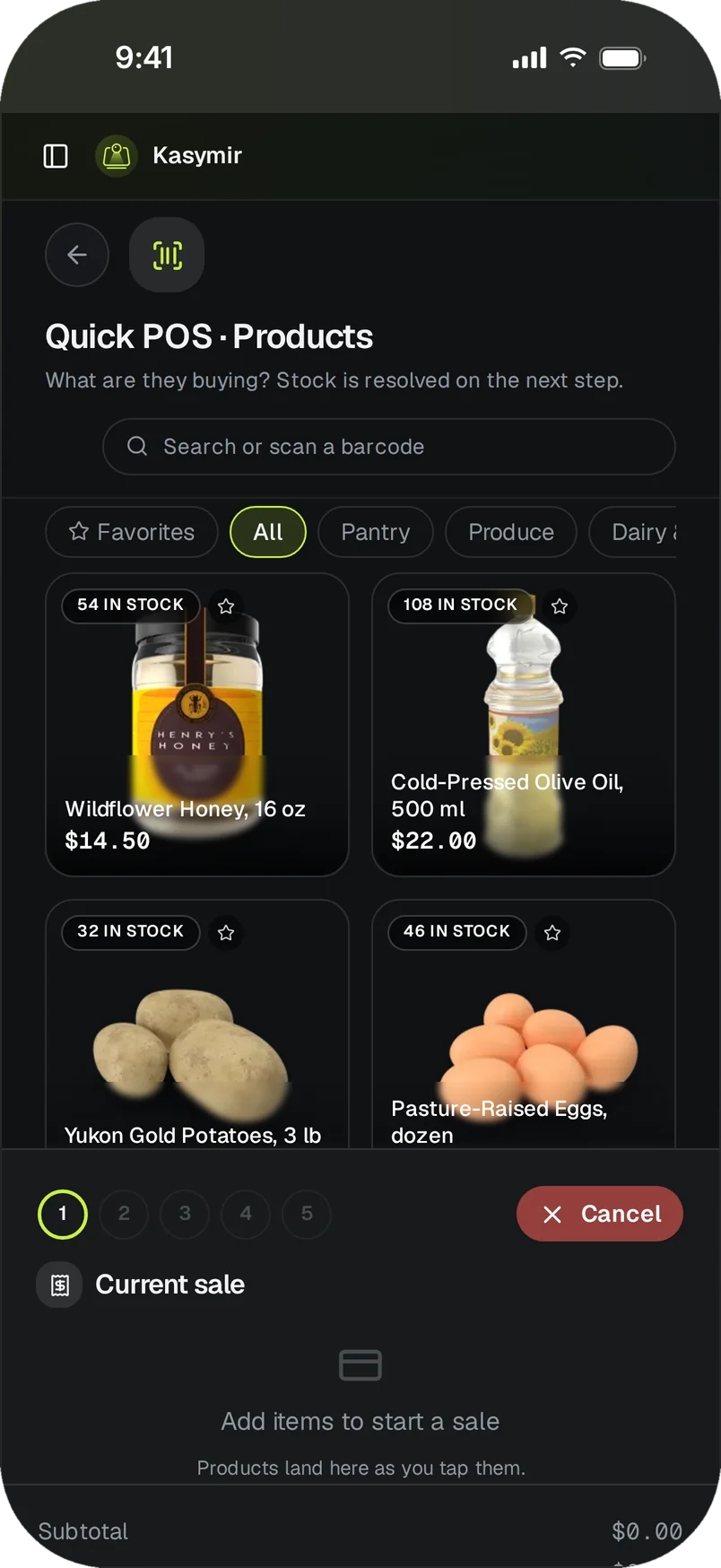
- Open “POS Cart” in the menu, or the quick register from your store.
- Add products: scan the barcode, or search by name, SKU or barcode.
- Add the customer if you want the sale on their record.
- Choose how they pay. You can add more than one payment method to split the sale.
- Confirm. The sale shows up in “Sales” right away.