Steps
- Open “Sales” and find the sale.
- Open it and choose “Refund” or “Credit note”.
- Choose what is being returned and confirm.
- The refunded amount shows on the sale, and the returned items go back into stock.
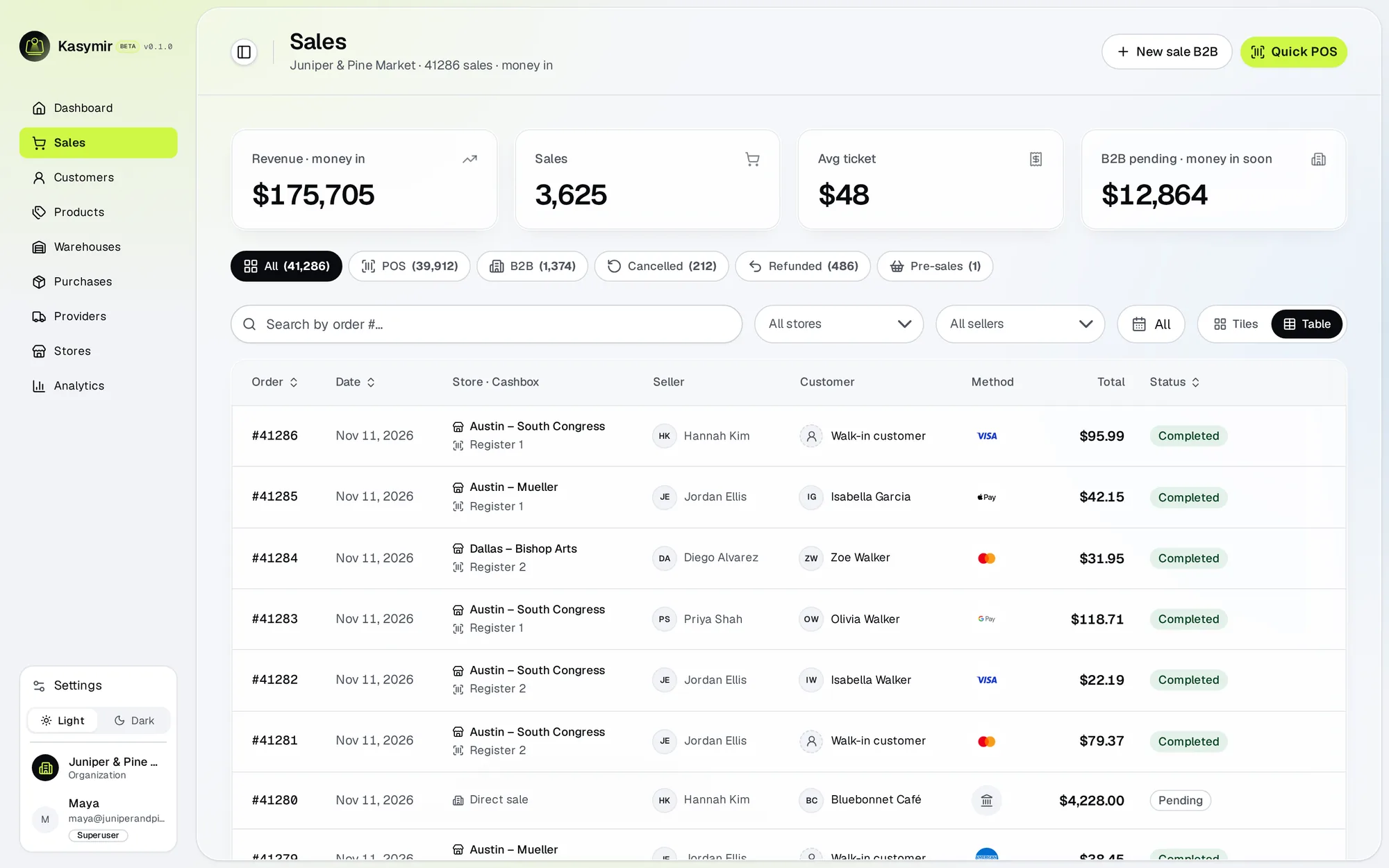

Handle a return from the sale itself, so the record and the stock stay right.