Steps
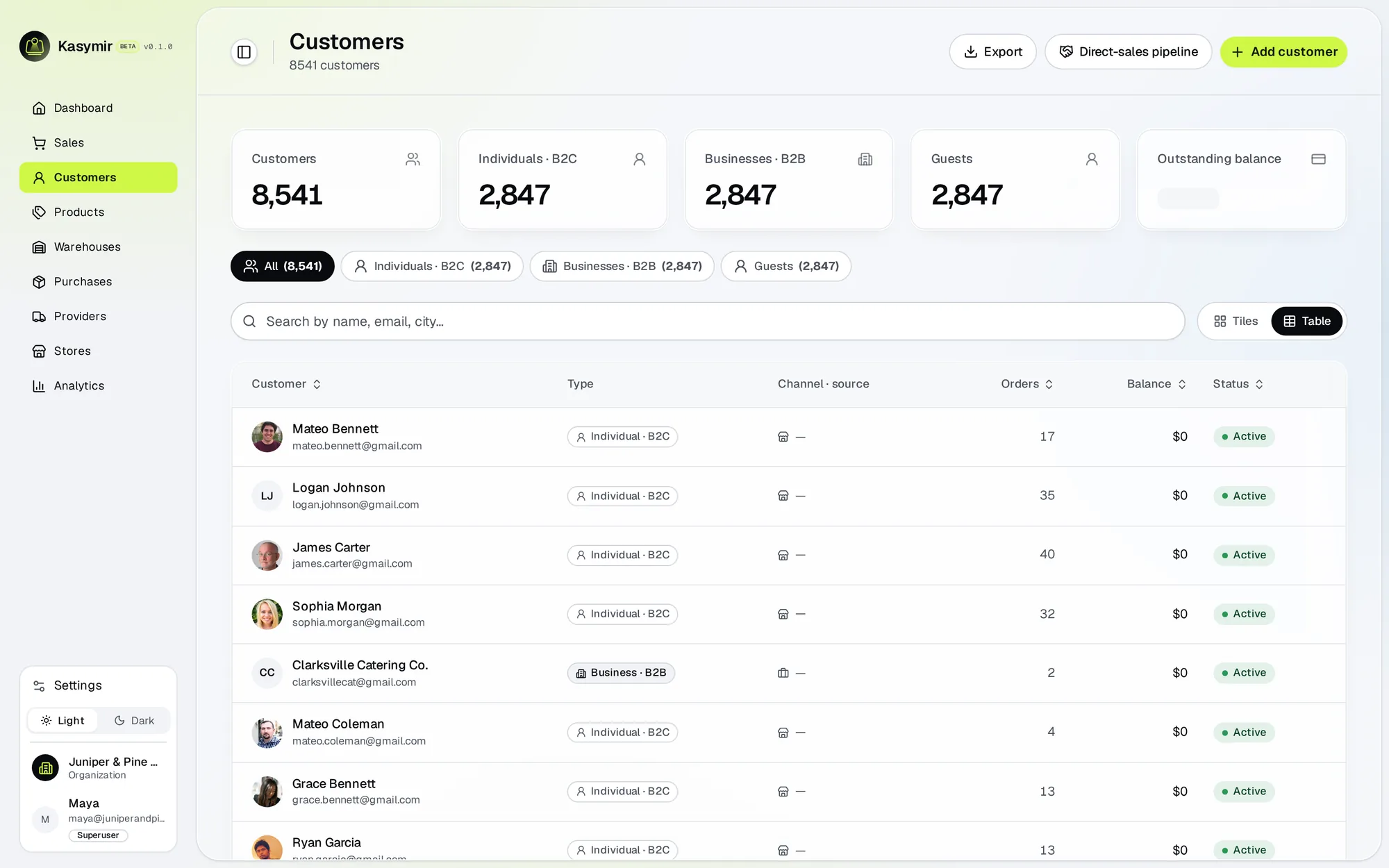
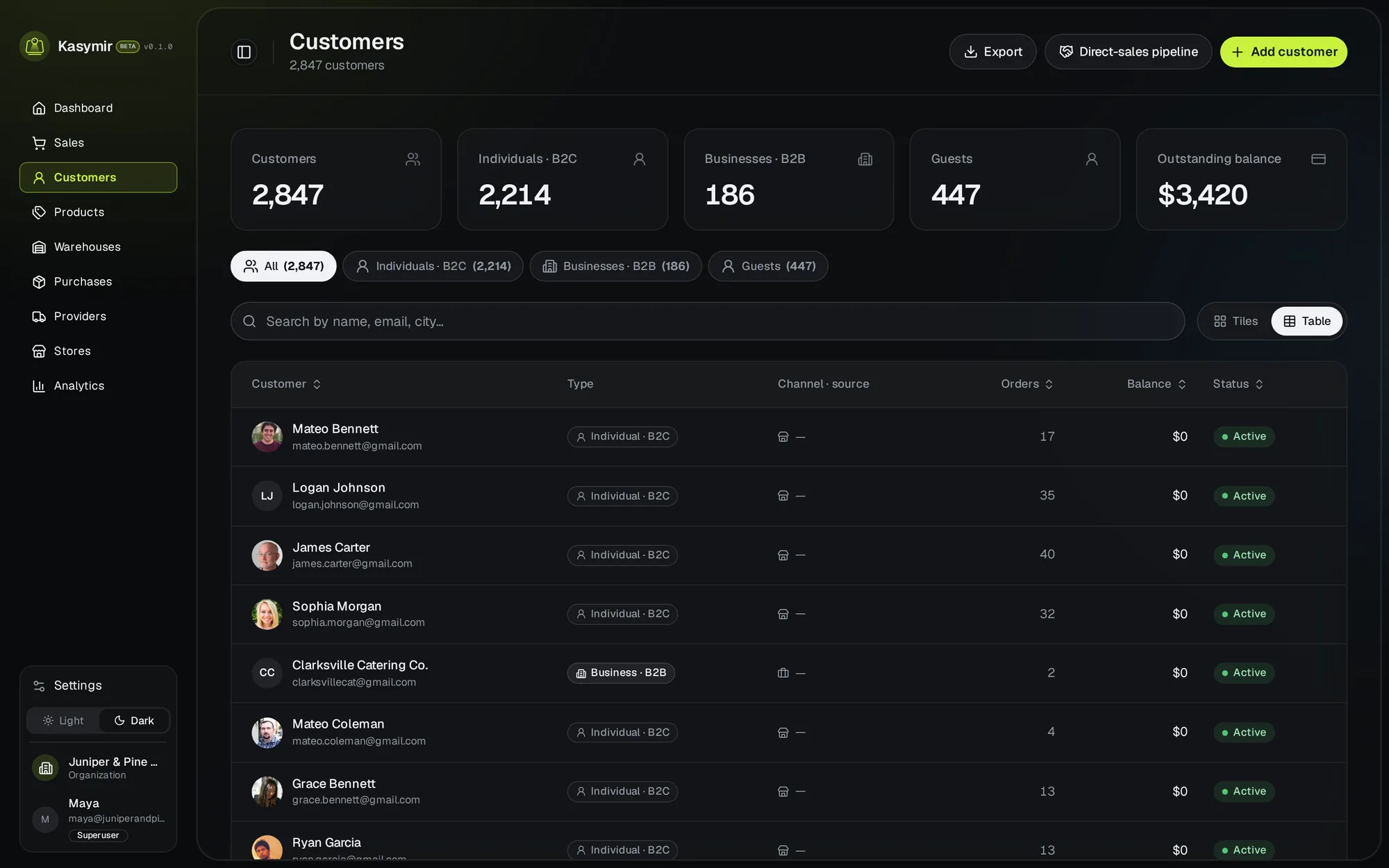
- Open “Customers” and press “Create customer”.
- Add their name, email and phone. Each email can be used once per business.
- Save. Sales you make with this customer show up in their history.
- On the phone app you can also capture the customer’s signature when you add them.